Courier Invoice Reconciliation: Stop Paying for Shipments You Didn't Send
Published on 10/18/2026 • Updated on 10/22/2026
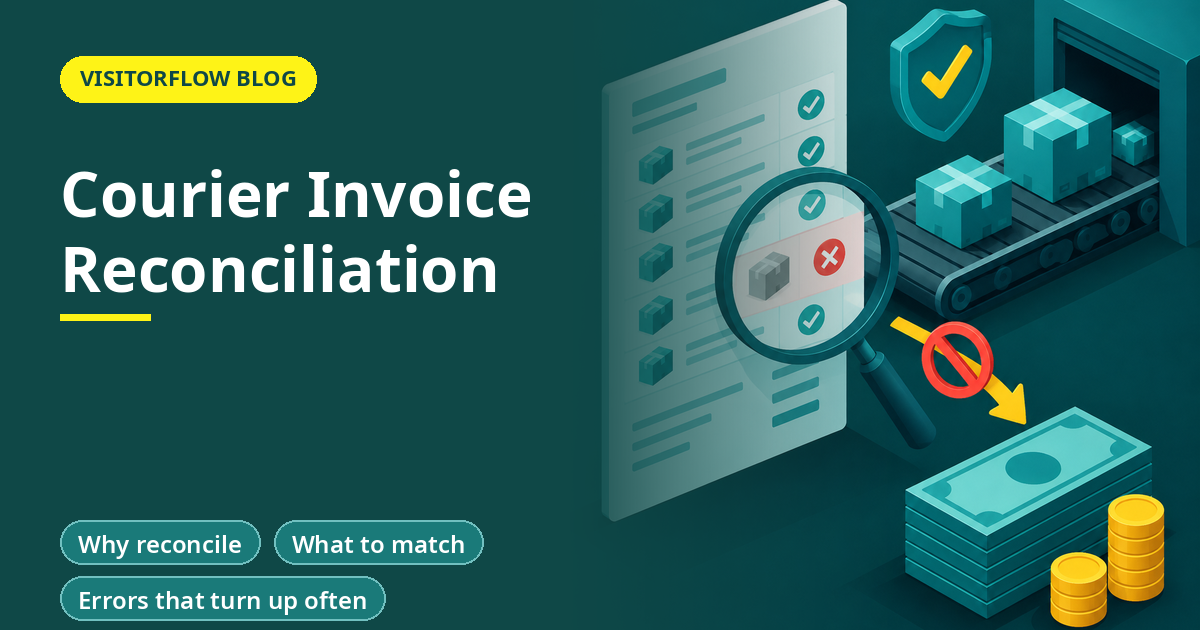
A courier invoice arrives on the fifth of the month. It lists 214 shipments and a total of Rs 41,860. Accounts approves it, because the courier is a regular vendor and the amount looks normal. Nobody checks whether the company really sent 214 shipments. Nobody checks the weights, the rates or the duplicates.
This is how companies end up paying for shipments they never sent. This guide shows how to reconcile a courier invoice with your own outward register in an hour a month: what to match, the errors that turn up most often, a simple routine and a worked example. The figures are assumed, to show the method.
On this page
- Why reconcile
- What to match
- Errors that turn up often
- A monthly routine
- A worked example
- Understanding weight charges
- Surcharges to watch
- Who should own the check
- When a line is not in your register
- Use the contract and the rate card
- Common mistakes
- A first-month plan
- Five-minute self-check
- Reader Q&A
- Bottom line
Why reconcile
The courier's invoice is the courier's record. Your outward register is your record. When they agree, you pay with confidence. When they differ, one of them is wrong, and it is usually worth finding out which.
Key idea: You can only check a bill against something. The outward register is that something.
What to match
| Field | Check |
|---|---|
| Tracking number | Is every number on the bill in your register? |
| Date | Does the pick-up date match? |
| Destination | Same city or zone? |
| Weight | Does the charged weight match what you sent? |
| Mode | Document, parcel, air or surface as booked? |
| Rate | Does it match your rate card? |
| Surcharges | Fuel, handling, remote area: are they agreed? |
| Duplicates | Is any tracking number billed twice? |
Our guide to the outward courier register gives a format that has each of these fields ready for matching.
Errors that turn up often
- Shipments on the bill that are not in your register: sent by someone without logging, or not sent by you at all.
- Duplicate tracking numbers billed twice.
- Weight higher than the real weight, especially rounded up.
- Wrong zone, so a higher rate than the one agreed.
- Surcharges not in the rate agreement.
- Returned or undelivered items charged as delivered.
- Pick-up dates outside the billing period.
Not every difference is the courier's fault. Some are your own unlogged shipments, which is a process problem to fix.
A monthly routine
Step 01
Get the statement
Ask the courier for a spreadsheet with tracking number, date, destination, weight, charge and surcharges.
Step 02
Match by number
Use a lookup against your register. Mark lines found, not found and duplicate.
Step 03
Check rates
For lines found, compare weight and rate with the rate card.
Step 04
Raise the query
Send the courier a list of lines in dispute, with your evidence.
Step 05
Pay the agreed amount
Pay the verified amount and the settled disputes, and keep the working.
In Excel, a lookup formula such as =COUNTIF(Register!G:G,A2) next to each tracking number on the bill returns 0 for a line not in your register and 2 or more for a duplicate.
A worked example
Invoice: 214 lines, Rs 41,860. Matched to register: 203 lines. Not in register: 8 lines, Rs 1,520. Duplicates: 3 lines, Rs 540. Weight above register: 6 lines, extra Rs 390.
Disputed total: Rs 2,450. Payable now: Rs 41,860 - 2,450 = Rs 39,410.
The figures are illustrative. At Rs 2,450 a month, the saving over a year is Rs 29,400. A bigger shipper has a bigger number.
Match bills to dispatches automatically
VisitorFlow Courier and Mailroom keeps a clean outward log so each bill line has something to match against.
See Mailroom and Courier SoftwareUnderstanding weight charges
Couriers bill on the higher of actual weight and volumetric weight. Volumetric weight is worked out from the box size, usually length times width times height divided by a factor the courier states in its terms. A light but bulky box can therefore be billed at a higher weight than it shows on a scale.
Example (assumed factor 5000): Box 40 x 30 x 25 cm = 30,000 cubic cm. 30,000 / 5000 = 6 kg billed, even if the box weighs 2 kg.
Check the factor in your agreement. If the register records box size as well as weight, you can test the billed weight yourself. Smaller boxes, or tighter packing, cut cost directly.
Surcharges to watch
- Fuel surcharge: usually a percentage that changes. Check it against the agreement each month.
- Remote area or out-of-delivery-area charges: check the pin code against the courier list.
- Handling or oversize charges: ask for the rule and the measurement.
- Cash on delivery fees and insurance: check they were requested.
- Address correction and re-delivery fees: ask what caused them.
A surcharge that appears in one month and not in the last is worth a question. Ask for the clause in the agreement that supports it.
Who should own the check
Give the job to one person in accounts, with a back-up, and let the admin head or mailroom lead supply the register. Keep the roles separate: the person who books couriers should not be the one who approves the bill. Agree a calendar, for example statement by the fifth, matching by the tenth, disputes sent by the twelfth and payment by the twentieth.
Report the savings to management every quarter. A visible number keeps support for the effort and helps justify a better system for the mailroom.
When a line is not in your register
Do not simply reject it. First ask your own people. A department may have booked a pick-up directly. The line may be a return of your item, or a shipment sent from another office on your account. Find out, then either add it to the register with a note or dispute it with the courier. Either way, the habit of asking improves the register.
Use the contract and the rate card
Keep the signed rate agreement next to the register. It sets the rates by zone and weight, fuel surcharge rules, the rounding of weight and the time for raising billing disputes. Read the dispute window and set a calendar reminder, so that you raise queries inside it and not after.
Common mistakes
Paying on trust
A regular vendor can still bill wrongly.
No register
Without a record, nothing can be matched.
Raise disputes in time
Check the window in the contract.
Another mistake is checking only the total. Two errors in opposite directions can cancel out and hide.
A third is letting one person book, receive the bill and approve it. Split the roles between at least two people.
A fourth is ignoring small amounts. A few rupees on each of hundreds of lines is the pattern that adds up over a year, and it is usually the easiest to recover because the courier can see the error immediately.
A first-month plan
Run your first reconciliation.
Step 01
Week 1: clean the register
Make sure every shipment has a tracking number.
Step 02
Week 2: get the statement
Ask the courier for a spreadsheet and the rate card.
Step 03
Weeks 3 and 4: match
Do the lookup, raise disputes and record the recovery.
Repeat monthly and report the amount recovered. After three months, look at the pattern of disputes. If most come from one courier, raise it at a review meeting with the account manager and ask for a corrective plan. If most are unlogged shipments, the fix is inside your own office: remind staff that every pick-up goes through the register, and stop the courier from collecting parcels directly from desks.
Five-minute self-check
Check your courier billing against these points.
Answer yes or no
- ☐ Is every shipment in a register?
- ☐ Do you receive the bill as a spreadsheet?
- ☐ Do you match by tracking number?
- ☐ Do you check weights and rates?
- ☐ Do you know the dispute window?
Two or more no answers mean this is worth fixing before anything else on your list.
Reader Q&A
What is courier invoice reconciliation?
Matching each line of a courier invoice against your own record of shipments, to confirm you were billed only for what you sent, at the agreed rates.
What do I need to reconcile?
A statement from the courier with tracking numbers, your outward register and your rate card.
What errors are common?
Shipments not in your register, duplicates, inflated weights, wrong zones and surcharges outside the agreement.
How long does it take?
About an hour a month for a few hundred shipments, if the register is clean and the statement is in a spreadsheet.
What if the courier disagrees?
Send your evidence, the register line, the booking and the weight, and escalate within the dispute window in the contract.
Can I do it in Excel?
Yes. A lookup against the register finds missing and duplicate lines. A digital log can automate it.
Bottom line
A courier invoice is a claim, and the outward register is your evidence. Match by tracking number, check weights and rates, dispute what does not fit and pay the rest.
Start with one month, and keep a record of what you recovered. Share the first result with your accounts head and the mailroom lead together, so that both sides see how the register and the bill fit, and agree who will own each step from the next month onwards.
Stop overpaying couriers
VisitorFlow runs visitor, material gate pass, courier, maintenance and incident workflows on one cloud platform.
See Mailroom and Courier Software See Material Gate Pass Software Book a Free Demo
Aadeshwar Modi is a marketing technical content writer who loves writing on technology and AI topics.
- From Register Book to Software: Digitizing the Gate Pass
- Inter-Branch Transfer Gate Pass: Keep Stock True Across Units
- Material Inward Gate Pass: Link the Gate with the GRN
- E-Way Bill vs Gate Pass: What Each Document Does
- Gate Pass System for Engineering and Fabrication Workshops
- Gate Pass Software for Pharma and Chemical Plants
- Office Facility Maintenance Checklist: Daily, Weekly, Monthly
- Breakdown Maintenance Log: Record, Analyze, Reduce
- Maintenance KPIs and Dashboards: What to Review Weekly
- AMC Management Software: Contracts, Renewals and Vendor SLAs