Digital Gate Pass System: Authorised, Photographed, Reconciled
Published on 10/21/2026 • Updated on 10/22/2026
Somewhere in your facility right now, material is leaving through a gate on the strength of a signature the guard cannot read, authorising a quantity the writer did not count, in a book that will be archived before anyone reconciles it. If that sentence feels unfair, try pulling last month's outward entries and checking how many you could defend in a dispute. Most registers fail that test by lunchtime, and the failures are all in the columns nobody reads.
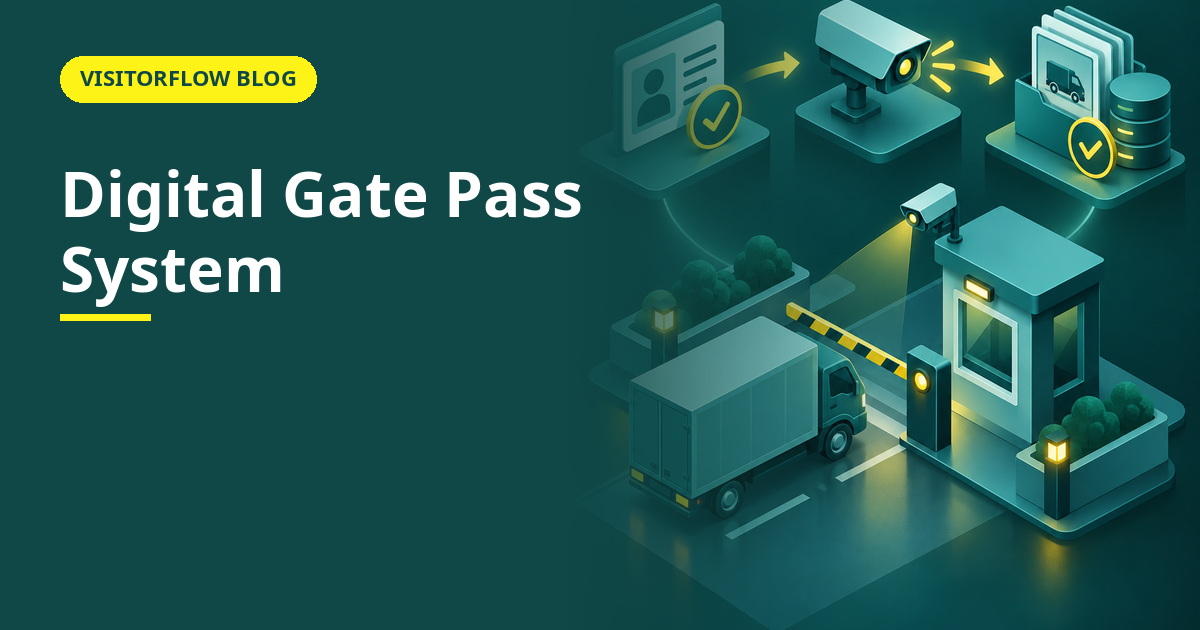
A digital gate pass system replaces the book with an authorised, photographed, timestamped record for every movement of material in or out: returnable or not, vendor or inter-department, planned or urgent. This guide covers what a digital gate pass actually contains, how it compares with the paper pass and the email approval, how to roll it out across departments, and the reports that make audits boring. Our material gate pass format article covers the document itself; this one is about the system around it.
On this page
What a digital gate pass actually contains
Strip away the software and a gate pass answers five questions: what is moving, how much of it, in which vehicle, out of whose authority, and is it coming back. A digital pass answers all five with evidence attached: item and quantity fields, the vehicle number, photos of the load, a named approver who confirmed on their own phone, and a returnable flag that keeps the pass open until the material comes home.
The flow matters as much as the fields. The pass is raised before the movement, by the person requesting it; the approver confirms by email or WhatsApp from wherever they are; the gate verifies a QR against the approved pass and records the actual exit. Each stage is timestamped, so the record shows not just what was authorised but when reality matched it. The paper book compresses all of this into one line written by the person with the least information.
One design decision separates useful systems from shelf-ware: the guard verifies, but does not create. Creation happens at the desk of whoever needs the material moved, where the item names and quantities are known. The gate's job collapses to a scan and a glance at the photo, which is why a digital gate is faster than a paper one at peak hour, not slower, and far more honest at any hour.
Key idea: A gate pass is an authorisation that travels with the material. Digital just means the authorisation is verifiable at the gate and still exists, readable, a year later.
Paper, email approvals and digital compared
| What the movement needs | Paper pass book | Email approval shown at gate | Digital gate pass system |
|---|---|---|---|
| Verifiable authority | A signature, possibly genuine | A forwarded email, possibly current | Named approver confirmed in the system, timestamped |
| What the load actually is | One hurried line of handwriting | Whatever the email thread says | Item, quantity and photos attached to the pass |
| Returnables come back | A column nobody reconciles | A promise inside a thread | Open until the inward movement closes it; overdue list on demand |
| Audit and dispute evidence | Carbon copies in a storeroom | Searching three people's inboxes | One export, filtered, with photos and timestamps |
| Works across multiple gates or sites | Each gate its own book, never merged | Threads multiplied by gates | One register for every gate, filterable by site |
Rs 2.4 lakh per quarter
is the returnable-material exposure in the worked example below, from just ten percent of returnable lots never coming back. Most facilities have never computed this number; the overdue list computes it quietly for you every week.
Every movement authorised, photographed and reconciled
VisitorFlow's digital gate pass runs approvals on the approver's phone, verification by QR at the gate, and returnable tracking that flags what never came back, with ERP sync when you need it.
Explore Material Gate Pass SoftwareRolling it out in four steps
The rollout risk is the urgent exception: the truck that must leave now, the director who cannot wait. Design for it honestly or it will route around your system in the first week, and once the bypass is normal, the register is fiction again.
Step 01
Map the movement types and their approvers
Sales dispatch, inter-branch transfer, vendor return, scrap sale, employee material, samples. Each gets a named approver role and a rule on whether it can be returnable. An afternoon of mapping prevents a year of ambiguity at the gate.
Step 02
Put the QR at the gate and the banner in the stores
The gate needs the verification screen; the stores desk needs the raise-pass link. Both run in a browser on existing phones and PCs, so the hardware budget is a printed QR banner and a sheet of lamination.
Step 03
Handle the urgent case with an escalation, not a bypass
A pass flagged urgent routes to a senior approver with a two-minute expectation. The moment "urgent" means "skip the system", every movement discovers it is urgent.
Step 04
Review open returnables every week
Fifteen minutes with the overdue list. Returnable tracking is the feature that pays for the system fastest, and it only pays if someone looks at the list while recovery is still cheap and possible.
Mistakes that reopen the leak
- ✗ Letting the gate raise passes, which re-creates the paper problem with a keyboard: the person with the least information writes the record again.
- ✗ Making photos optional, so the first genuine dispute discovers the pass says "20 boxes" and nothing proves what twenty boxes looked like.
- ✗ Approvers who approve by habit in seconds, teaching the whole facility that the approval step is theatre rather than a check.
The reports that make audits boring
Three reports carry the audit and the management review. The movement register, filtered by period, type or vendor, answers "what moved" in one export. The open returnables list answers "what is still out there". The exceptions view, after-hours movements and quantity mismatches, answers "what deserves a second look". All three export to Excel, because the people asking are rarely logged into your system, and should not need to be.
Our gate pass approval process article covers the approval chain design in more depth, and the warehouse gate pass article covers the stock-ledger reconciliation angle. The common thread: the reports exist because every stage of the movement was a record, not a conversation, and records survive the people who made them.
Reader Q&A
What is a digital gate pass system?
It is software that authorises and records every movement of material in or out of your premises: item, quantity, vehicle, photos, a named approver, and timestamps at each stage. The gate verifies a QR against the approved record instead of trusting a signature.
How does QR verification work at the gate?
The pass carries a QR the guard scans with any phone. The screen shows the approved items, quantities and photos; the guard compares with the load and records the exit. Used passes close automatically, so they cannot be recycled.
Do truck drivers need an app?
No. The pass lives on the requester's and approver's phones; the driver just carries the QR, printed or on screen. Nobody outside your organisation installs anything.
How are returnable items tracked?
A pass marked returnable stays open until a matching inward movement closes it. The overdue list, filtered by vendor or item, is the weekly report that recovers material before it becomes a write-off.
Can it handle multiple gates and multiple sites?
Yes. Every gate writes to one register, filterable by site, gate, vendor or movement type. Head office sees all of it; each gate sees its own queue.
What happens to urgent, unplanned movements?
An urgent flag routes the pass to a senior approver with a fast expectation. The movement still gets a record and a photo; it just gets them in minutes instead of the normal queue.
Does it integrate with our ERP?
VisitorFlow supports ERP and API sync so dispatches and returns reconcile with the stock ledger automatically. Without integration, a daily Excel exception check keeps both sides aligned.
How long does a typical rollout take?
A single gate runs the same day: map approvers, print the QR, brief the guards. The careful part is the movement-type mapping in step one; the technology is the easy half; the mapping is the half that decides whether the register tells the truth.
Bottom line
This week, pull last month's outward register and mark every entry you could defend in a dispute: readable quantity, verifiable approver, known vehicle. The unmarked share is your exposure, in your own gate’s handwriting.
This quarter, digitise one gate with photos, named approvals and returnable tracking, then review the overdue list weekly. The metric to watch is open returnables older than thirty days; as it approaches zero, the gate starts paying you back instead of merely watching you lose.
Retire the pass book, keep the control
VisitorFlow runs visitor, material gate pass, courier, maintenance and incident workflows on one cloud platform, so people and material both move on verified, exportable, audit-ready records.
Explore Material Gate Pass Software See Visitor Management Software Book a Free Demo
Ed Jhonson is a Sourcing & Marketing Expert who writes content related to Technology and Engineering topics.
- From Register Book to Software: Digitizing the Gate Pass
- Inter-Branch Transfer Gate Pass: Keep Stock True Across Units
- Material Inward Gate Pass: Link the Gate with the GRN
- E-Way Bill vs Gate Pass: What Each Document Does
- Gate Pass System for Engineering and Fabrication Workshops
- Gate Pass Software for Pharma and Chemical Plants
- Office Facility Maintenance Checklist: Daily, Weekly, Monthly
- Breakdown Maintenance Log: Record, Analyze, Reduce
- Maintenance KPIs and Dashboards: What to Review Weekly
- AMC Management Software: Contracts, Renewals and Vendor SLAs