DPDP Compliance for Schools: Parents and Visitors
Published on 10/18/2026 • Updated on 10/22/2026
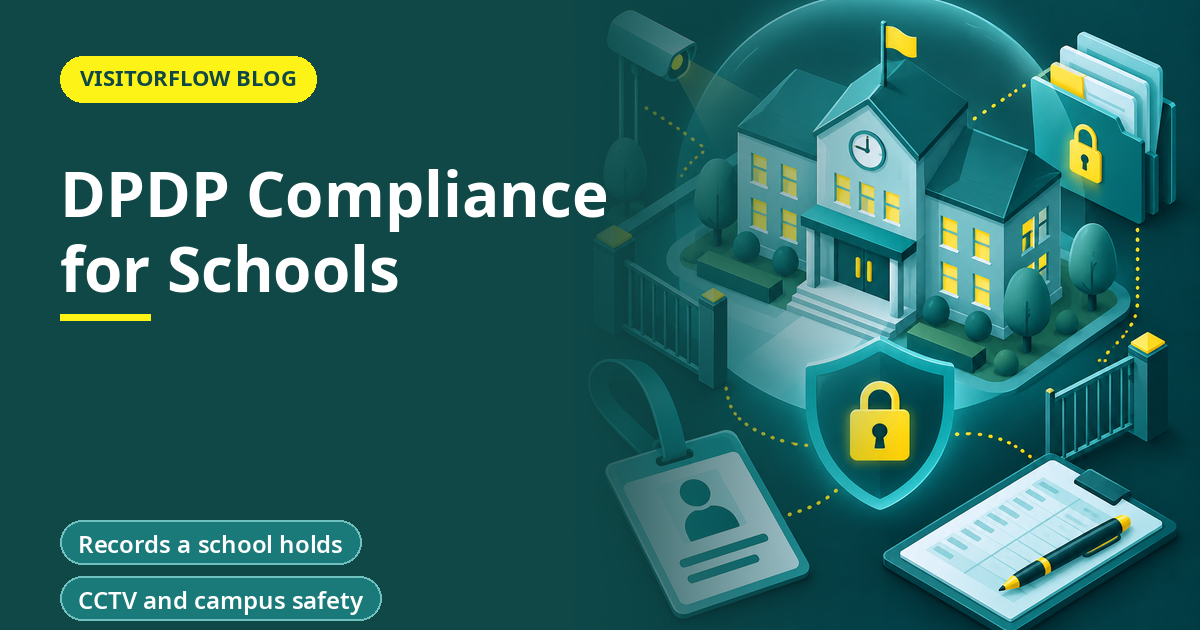
A school holds the names, photographs, health notes, fee records and home addresses of hundreds of children, plus a visitor register at the gate and a pickup list for parents. Almost every item is personal data, and most of it is about minors. The Digital Personal Data Protection Act, 2023 treats children's data with extra care.
This guide explains what the Act and the DPDP Rules, 2025 mean for a school office, how verifiable parental consent works, how to handle visitor and pickup records, and what a school can do this term. It is general information, not legal advice. Confirm your approach with your legal adviser and your board or trust.
On this page
- What the Act says about children
- Exemptions that matter to schools
- Records a school holds
- Visitors, parents and pickup
- Getting verifiable parental consent
- CCTV and campus safety
- Apps, vendors and trips
- Teachers and office staff
- A worked example for a school office
- Common mistakes
- A one-term plan
- Five-minute self-check
- Reader Q&A
- Bottom line
What the Act says about children
The Act defines a child as a person under eighteen. Section 9 requires verifiable consent of a parent or lawful guardian before processing a child's personal data. It also bars processing that is likely to cause a detrimental effect on a child's well-being, and bars tracking, behavioural monitoring and targeted advertising directed at children, subject to exemptions the Rules provide.
The Schedule sets a maximum penalty of Rs 200 crore for a breach of these additional obligations, as the Press Information Bureau release of 17 November 2025 also notes. It is a ceiling, but it shows how seriously the law views children's data.
Key idea: For a school, nearly all student data is children's data. Plan for section 9 from the start.
Exemptions that matter to schools
Rule 12 and the Fourth Schedule switch off sections 9(1) and 9(3) for specified classes, on conditions. For an educational institution, the condition is that processing is restricted to tracking and behavioural monitoring for its educational activities or in the interests of the safety of enrolled children. So the exemption is about tracking and monitoring. It does not remove the need for parental consent for admission data, photographs or fee records. Read the Fourth Schedule with your adviser against what your school does.
An exemption does not remove the other duties. Notice, safeguards, deletion and breach reporting still apply.
Records a school holds
| Record | Who it concerns | Main care |
|---|---|---|
| Admission forms | Child and parents | Keep only what is needed |
| Medical notes | Child | Limit access to the nurse and heads |
| Photographs and videos | Child | Ask before publishing |
| Fee records | Parents | Restrict to the accounts office |
| Visitor register | Parents and others | Notice and retention |
| Pickup list | Adults authorised to collect | Verify and protect |
| CCTV | Everyone on campus | Purpose, notice, retention |
Start with a simple inventory. A school cannot protect data it has not listed.
Visitors, parents and pickup
The gate is where a school meets the public every day. The register shows who visited, which child they came for and when. A paper register left open lets anyone read the names and numbers of other parents.
- Use a system where each visitor sees only their own entry.
- Show a short notice at the gate, as Rule 3 expects.
- Keep a pickup authorisation list and check it against ID.
- Mask phone numbers on screens used by guards.
- Delete entries after a fixed period.
Never post pickup lists or photographs of children at the gate where passers-by can read them.
Getting verifiable parental consent
Rule 10 requires a Data Fiduciary to use appropriate technical and organisational measures to make sure verifiable consent of the parent is obtained, and to check that the person is an identifiable adult. A school already knows its parents, which makes this easier than for an online service.
Step 01
Collect at admission
Add a consent section to the admission form with each purpose listed separately.
Step 02
Verify the adult
Match the signatory with the parent record already on file.
Step 03
Record it
Store the signed form or the digital confirmation with the date.
Keep photographs for marketing as a separate choice. A parent who agrees to records for attendance has not agreed to a brochure.
Protect parents' details at the school gate
VisitorFlow gives each visitor a QR check-in and keeps the log searchable and access-controlled, so no open register sits on the desk.
Explore Visitor Management SoftwareCCTV and campus safety
Cameras at gates and corridors support child safety, which the Rules recognise in the exemption wording. Even so, tell people about them, restrict access to footage and set a retention period. Cameras in toilets and changing rooms should never be installed.
Apps, vendors and trips
Schools rely on outside parties for learning apps, bus tracking, fee portals and photographers. Each is a processor or a separate fiduciary, and each can see children's data. Before a new tool goes live, ask what data it collects, where it is stored, whether it tracks children or shows advertising, and how a deletion request is handled. Rule 6 expects contract terms on security with processors.
The bar on tracking and behavioural monitoring of children makes some apps a problem unless an exemption applies. Ask the vendor to explain in writing and check the answer against the Fourth Schedule with your adviser.
School trips raise a separate point. Medical details and parent phone numbers go to teachers and operators. Share only what the trip needs and collect the papers back afterwards.
Teachers and office staff
Most breaches in schools start with a person, not a hacker. A teacher forwards a class list, an office clerk leaves a file open, a guard photographs the register. Give staff three rules. Keep student data in school accounts. Share only with people who need it. Report a loss at once to the named owner.
Run a thirty-minute briefing at the start of each term, with two real examples from the school. Record who attended. Staff who leave should lose access to student data on their last day, and the office should keep a simple checklist of accounts to close.
A worked example for a school office
The fixes cost more in time than in money, and can be done over one term.
Common mistakes
One form for all purposes
Separate consent for photos, trips and records.
Open registers
Parents should not see each other's numbers.
Delete on time
Old admission data should leave after its purpose ends.
Another mistake is using personal WhatsApp numbers of teachers for student data. Move to school-controlled accounts and groups.
A third is assuming that an exemption ends all duties. Safeguards and breach reporting still apply.
A one-term plan
Prepare before the commencement date.
Step 01
Weeks 1 to 3: inventory
List every record, owner and storage place.
Step 02
Weeks 4 to 8: consent
Update admission forms and photo consent.
Step 03
Weeks 9 to 12: gate and safeguards
Move the register to a system, set retention, train staff.
Brief the trust or board with a one-page summary at the end of term. List what was done, what is open and what help is needed from management. Repeat the cycle every year, since each new batch of admissions brings new records, new parents and new consent forms to check, and since staff and vendors change as well.
Five-minute self-check
Check your school against these points.
Answer yes or no
- ☐ Do admission forms carry parental consent?
- ☐ Is photo publishing a separate choice?
- ☐ Is the visitor register private?
- ☐ Is student data kept in school-controlled accounts?
- ☐ Is old data deleted on schedule?
Two or more no answers mean this is worth fixing before anything else on your list.
Reader Q&A
Does the DPDP Act apply to schools?
Yes. A school is a Data Fiduciary for student, parent and staff data. Some exemptions in the Rules may apply to specified educational purposes.
Do schools need parental consent?
Section 9 requires verifiable parental consent for a child's data. The Fourth Schedule exempts educational institutions only for tracking and behavioural monitoring for educational activities or child safety. Ask your adviser how it applies to you.
Can a school publish student photographs?
Treat it as a separate purpose and ask the parent first. Do not assume that admission consent covers publication.
How should we manage the visitor register?
Use a system that shows each visitor only their own entry, display a notice and delete records after a fixed period.
What is the penalty for children data lapses?
Up to Rs 200 crore under the Schedule. It is a maximum, and the Board decides each case.
When do these duties begin?
Rules 3, 10 and 12 begin after eighteen months from publication, around mid-May 2027. Confirm the date with your adviser.
Bottom line
A school holds children's data in many places. The first step is a list. The second is to fix the gate, since that is the most visible gap.
Add a clear consent line at admission, protect photographs and fee data, and train staff in three habits: ask first, share less, delete on time. Small habits repeated by every staff member do more than a long policy that nobody reads.
Fix the school gate first
VisitorFlow runs visitor, material gate pass, courier, maintenance and incident workflows on one cloud platform.
Explore Visitor Management Software See Material Gate Pass Software Book a Free Demo
Aadeshwar Modi is a marketing technical content writer who loves writing on technology and AI topics.
- From Register Book to Software: Digitizing the Gate Pass
- Inter-Branch Transfer Gate Pass: Keep Stock True Across Units
- Material Inward Gate Pass: Link the Gate with the GRN
- E-Way Bill vs Gate Pass: What Each Document Does
- Gate Pass System for Engineering and Fabrication Workshops
- Gate Pass Software for Pharma and Chemical Plants
- Office Facility Maintenance Checklist: Daily, Weekly, Monthly
- Breakdown Maintenance Log: Record, Analyze, Reduce
- Maintenance KPIs and Dashboards: What to Review Weekly
- AMC Management Software: Contracts, Renewals and Vendor SLAs