Interview Candidate Check-In: Give HR a Better First Impression
Published on 10/21/2026 • Updated on 10/22/2026
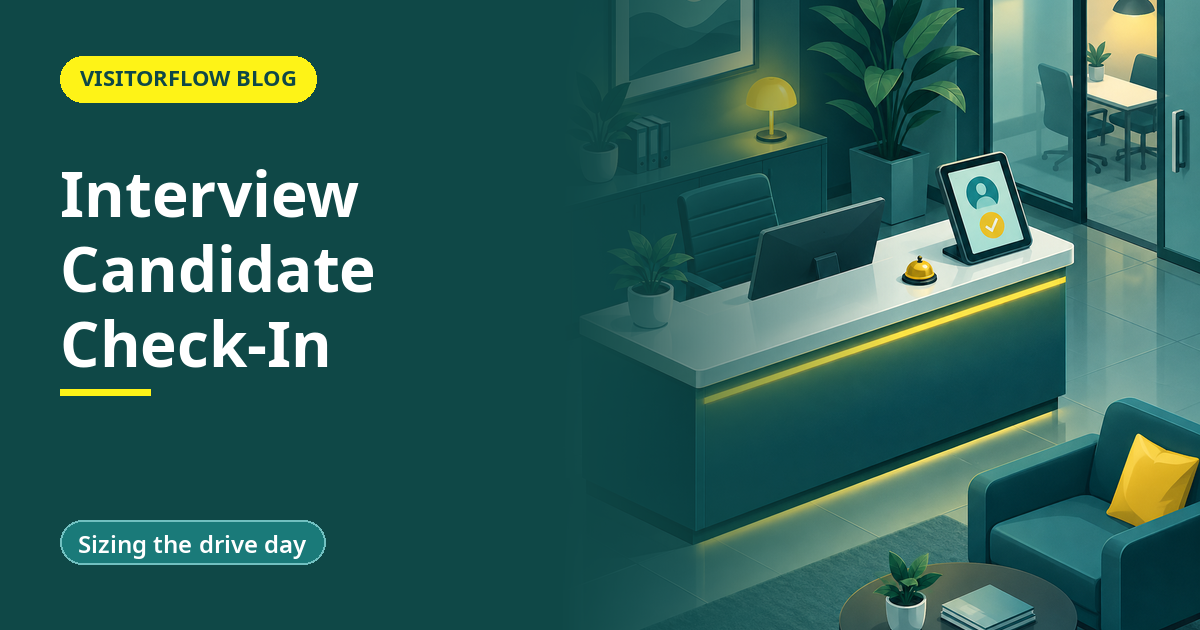
A growing services firm runs interview drives every Friday. At 9:45, eleven candidates occupy the small lobby, each clutching a printout of an email that says "Reporting time: 10:00 AM". The receptionist checks names against a spreadsheet HR sent last night, which lists nine names because two panel changes happened after it was exported. One candidate has travelled ninety minutes for an interview that moved to Monday, and she learns this at the desk, in front of ten strangers.
This guide covers interview candidate check-in: how to give candidates a dignified arrival, keep the panel's schedule and the lobby in sync, and build the visit record HR and security both need. It connects to our guides on visitor appointment scheduling and visitor pre-registration, which cover the machinery underneath.
On this page
Why candidate arrival is a brand moment, not a gate event
Interview candidate check-in is the flow that takes an invited candidate from the gate to the panel with the least friction and the most information: they are expected, the desk knows their name, the panel knows they have arrived, and the schedule survives the inevitable same-morning changes. It sounds cosmetic until you remember who the candidate is: a person deciding whether to trust your company with their career, forming that opinion in your lobby.
The failure modes are all versions of the same story:
- The list is stale. Panels change, candidates reschedule, and the spreadsheet at the desk froze at 9 PM the night before.
- Everyone arrives at once. Identical reporting times create a lobby crowd and a first round that starts late for every candidate after the first.
- Nobody owns the wait. The candidate sits for forty minutes because the panel is running behind and nobody is responsible for telling them.
- Security and HR disagree. The desk will not let the candidate up, HR insists they are expected, and the candidate watches the argument.
Each failure is small on its own. Together they tell a candidate that the company does not coordinate, which is precisely the trait most roles claim to test for.
Key idea: The candidate does not separate "security was slow" from "HR was disorganised"; to them it is one company, and it just interviewed badly before the interview.
There is also a compliance angle that rarely gets named: the candidate's personal data. The spreadsheet at the desk shows every candidate's name and phone number to whoever leans over it, and the interview day ends with that sheet in a bin or a drawer. A check-in flow where each candidate scans their own QR keeps the list off the counter and inside a system with access control and a retention clock.
Spreadsheet list vs ATS emails vs check-in in the visitor system
The three common setups differ on what happens when the schedule moves, which it always does. The comparison below assumes a typical Friday drive with a dozen candidates and at least two panel changes before 9 AM; quieter weeks hide the differences, which is exactly when bad habits set in.
| On the drive day | Printed spreadsheet at the desk | ATS invite emails | VisitorFlow (candidate check-in) |
|---|---|---|---|
| Desk list matches the morning's reality | Frozen at last night's export | The candidate has an email; the desk has nothing | Live list, updated as HR reschedules |
| Panel learns their candidate arrived | Reception calls around | No | Instant notification to the coordinator |
| Reschedule reaches the candidate before travel | Hope they check email in time | An email among fifty | Direct WhatsApp or SMS update on the invite |
| Staggered arrival slots | One common reporting time | One common reporting time | Each candidate gets their own slot and QR |
Candidates walk in expected
VisitorFlow gives every candidate a personal slot and QR, syncs the desk list live, and tells the coordinator the moment each one arrives.
Explore Visitor Management SoftwareSetting up candidate check-in in three steps
Step 01
Slot candidates, do not batch them
Give each candidate a personal reporting slot, twenty to thirty minutes apart, tied to the panel's actual calendar. The invite carries the slot, the gate instructions and a QR, so the lobby sees two or three people at a time instead of eleven.
Step 02
Make the desk list live, and name an owner for the wait
The desk sees the day's candidates with their slots and statuses, updated as HR works. One coordinator owns the running-late messages, so a twenty-minute panel overrun reaches the lobby as a text, not as silent waiting.
Step 03
Close the loop after the drive
The visit record shows who arrived, who no-showed, and how long each candidate waited. No-show patterns feed back into confirmation calls, and wait-time outliers tell you which panel needs a scheduler with more slots.
None of this needs HR to learn a new discipline. Slots come from the panel's calendar, the invite goes out with the confirmation, and the desk list fills itself. The only real change is deciding that the arrival experience is part of the interview, because for the candidate, it always was.
Sizing the drive day
The measurable cost is coordinator and reception time; the unmeasurable cost is the candidate who declines the offer. Substitute your own drive size. For multi-office companies, multiply by locations: a firm interviewing at three offices on the same Friday either standardises the arrival once, centrally, or improvises it three times, badly.
36 to 12
Coordinator interruptions per drive, before and after (worked example)
20-30 min
Spacing between candidate slots that keeps the lobby uncrowded
1 QR
Per candidate, carrying slot, host and gate instructions
Mistakes that sour the arrival
Common mistakes
- One reporting time for everyone. It is convenient for the panel and brutal for candidates six through twelve.
- The desk list that froze yesterday. Any change after the export lands on the candidate at the desk, in public.
- Nobody owns delays. The panel knows it is running late; the candidate learns it from the chair.
- Treating candidates as security exceptions. They belong in the visitor record, with a pass and a host, not waved past an embarrassed guard.
What good looks like
- Personal slots with QR, so arrivals spread and the lobby stays calm.
- A live desk list that matches the morning's actual schedule, not last night's.
- One coordinator owns waiting candidates, and delays reach the lobby as messages.
- Arrivals, no-shows and wait times feed the next drive's planning.
Reader Q&A
Does this replace the ATS?
No. The ATS manages the hiring pipeline; the visitor system manages the building. The interview event hands off from one to the other: the ATS schedules, the visitor system gets the candidate through the gate and to the panel.
What if a candidate arrives an hour early?
They check in on their QR and wait in the lobby with a visible status, and the coordinator sees the early arrival immediately. Early is fine; invisible is the problem.
Can candidates reschedule themselves?
Through the invite link, within windows HR allows. The change updates the panel's coordinator and the desk list at once, instead of arriving as a reply-all email at midnight.
Do candidates count as visitors in the security record?
Yes. They are non-employees on premises, so they carry a pass, a host and a check-out like any visitor, and they appear in the evacuation list while inside. The hiring context sits on top of the security record, not instead of it.
How do we handle walk-in applicants?
The desk logs them as unscheduled candidate visits and notifies HR, who decide whether anyone can see them. The record still exists, which matters if the person returns for a scheduled round later.
Does this work for walk-in drives and campus hiring days?
Yes, with a twist: pre-registered candidates get slots, and genuine walk-ins register on the spot into the same list. The desk sees one combined queue with statuses instead of two rival crowds.
Can we collect candidate documents at check-in?
Yes. The pre-registration step can request ID and certificates in advance, so the interview day is conversation, not photocopying. Our guide to visitor NDA and document signing covers the document step in detail.
Bottom line
This week, ask your last three candidates one question at the end of the process: how was the arrival? The answers cost nothing and measure the part of employer branding nobody budgets for.
This quarter, slot your drive days, make the desk list live, name the owner of running-late messages, and review arrival data after every drive so the next one starts from evidence instead of habit. The metric to watch is candidate wait time in the lobby; when the median falls under ten minutes, the interview starts before the interview starts, in the best way.
Give every candidate a first impression worth accepting
VisitorFlow runs visitor, material gate pass, courier, maintenance and incident workflows on one cloud platform, with no hardware at the gate.
Explore Visitor Management Software See Material Gate Pass Software Book a Free Demo
Ed Jhonson is a Sourcing & Marketing Expert who writes content related to Technology and Engineering topics.
- From Register Book to Software: Digitizing the Gate Pass
- Inter-Branch Transfer Gate Pass: Keep Stock True Across Units
- Material Inward Gate Pass: Link the Gate with the GRN
- E-Way Bill vs Gate Pass: What Each Document Does
- Gate Pass System for Engineering and Fabrication Workshops
- Gate Pass Software for Pharma and Chemical Plants
- Office Facility Maintenance Checklist: Daily, Weekly, Monthly
- Breakdown Maintenance Log: Record, Analyze, Reduce
- Maintenance KPIs and Dashboards: What to Review Weekly
- AMC Management Software: Contracts, Renewals and Vendor SLAs