Inward and Outward Material Register Format
Published on 10/18/2026 • Updated on 10/22/2026
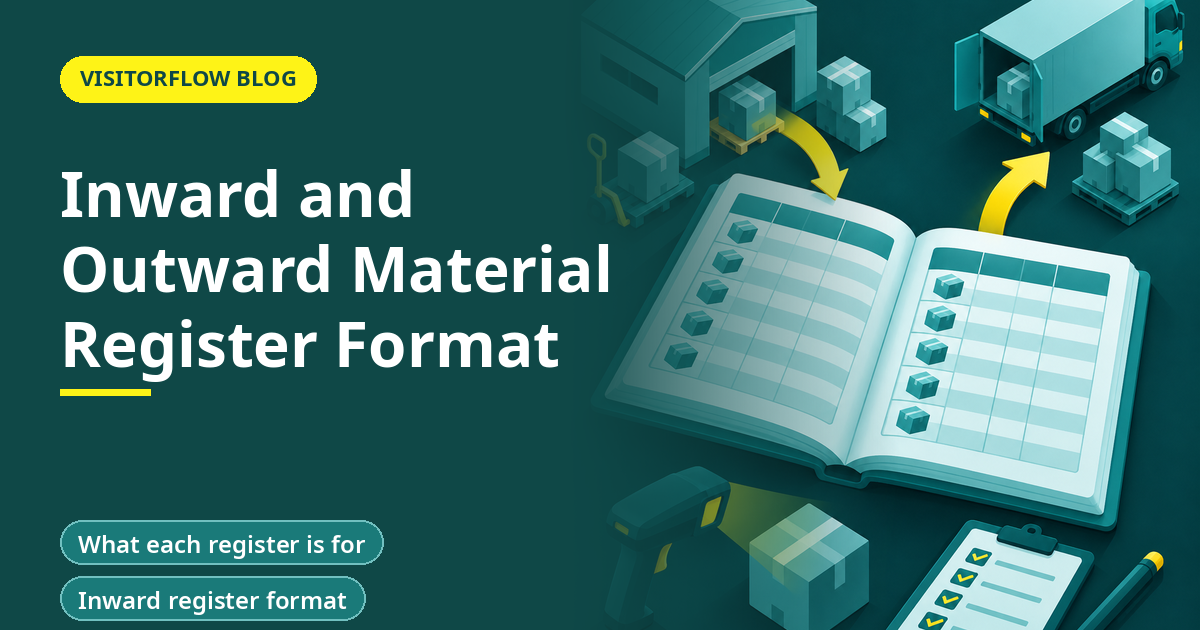
At a plant gate, trucks arrive with raw material and leave with finished goods. Every one of these movements should leave a line in a register: what came in, what went out, who checked it and which document backs it. That register is the first thing an auditor, an insurer or a plant manager reaches for after a shortage.
This guide gives a format for the inward register and the outward register, with columns, sample rows, the checks the gate should make and the way to match both with store and finance records. It uses plain examples from Indian plants and warehouses. No file download is provided, the layouts are given inline.
On this page
- What each register is for
- Inward register format
- Outward register format
- What the gate checks
- Sample rows
- Matching with store and finance
- Paper, Excel or digital
- Weighbridge, counts and sampling
- Handling exceptions at the gate
- How long to keep the registers
- A worked example
- Common mistakes
- A one-week start
- Five-minute self-check
- Reader Q&A
- Bottom line
What each register is for
The inward register records material arriving at the gate. The outward register records material leaving. Together with the gate pass book, they form the movement record of the site.
Key idea: The inward register protects you against paying for what did not arrive. The outward register protects you against loss of what should not leave.
Inward register format
| Column | Content |
|---|---|
| Inward no. | Serial, never repeated |
| Date and time | Arrival time at the gate |
| Supplier | Name and city |
| Vehicle and driver | Number, driver name |
| Document | Challan or invoice number and date |
| PO number | Purchase order reference |
| Item | Description |
| Qty per document | As written on the challan |
| Qty received | As counted or weighed |
| Difference | Received minus document |
| Checked by | Guard and store name |
| Remarks | Damage, shortage, rejected |
The difference column is the key. A non-zero value should trigger a note and a call to the supplier before the truck leaves.
Outward register format
| Column | Content |
|---|---|
| Outward no. | Serial, never repeated |
| Date and time | Time out |
| Customer or party | Name and city |
| Vehicle and driver | Number, driver name |
| Document | Invoice or challan, e-way bill if used |
| Gate pass no. | Link to the pass |
| Item | Description |
| Qty | As counted at the gate |
| Packages | Number of boxes or bundles |
| Dispatch by | Store or dispatch person |
| Checked by | Guard |
| Remarks | Seal numbers, exceptions |
Seal numbers help for sealed trucks. Write the seal number on the register and the invoice, and check it again at delivery.
What the gate checks
Step 01
Document
Read the challan or invoice and check the supplier, date and quantities.
Step 02
Match
For inward, check the PO number and that the item is expected.
Step 03
Count
Count packages or weigh the vehicle, whichever applies.
Step 04
Record
Fill the register line at once, not at the end of the shift.
For high value items, add a second check by the store person before the vehicle is released.
Sample rows
| No. | Type | Party | Document | Item | Doc qty | Actual | Note |
|---|---|---|---|---|---|---|---|
| IN-2201 | Inward | Steel Co. | CH-8841 | MS rods 12mm | 2,000 kg | 1,940 kg | Shortage 60 kg, supplier informed |
| IN-2202 | Inward | Pack Ltd. | INV-310 | Cartons | 500 nos | 500 nos | OK |
| OUT-1180 | Outward | Apex Auto | INV-5521 | Gear housing | 120 nos | 120 nos | Seal 44120 |
The rows are examples made up for this guide.
Match gate records without the paperwork
VisitorFlow Material Gate Pass keeps movement records searchable and ties each one to its pass.
See Material Gate Pass SoftwareMatching with store and finance
The registers prove their worth when they are matched. Once a week, the store head compares the inward register with goods received notes. Once a month, finance compares both registers with purchase and sales invoices. Any line in one place and not the other needs an explanation.
- Inward without a goods received note: material may be sitting in a yard.
- Goods received note without an inward line: the gate was bypassed.
- Outward without an invoice or pass: unauthorised movement.
- Invoice without an outward line: the sale is not proven to have shipped.
Paper, Excel or digital
A bound paper register works for a small gate. An Excel sheet adds sorting and a difference formula. A digital system adds photographs of the vehicle and documents, phone approval and automatic matching with the gate pass. The right choice depends on volume. Over a few dozen movements a day, paper starts to cost more than it saves.
Weighbridge, counts and sampling
Heavy material such as steel, scrap or bulk powders is best checked at a weighbridge. Record the gross weight on arrival and the tare weight after unloading, and write both on the register line. For packed goods, count the packages and check the label of at least one in each lot against the document.
For high value or fast moving lines, agree a sampling rule with the store, for example open one carton in every ten. Write the rule on the wall by the gate so that suppliers know what to expect and guards know what to do.
Photographs help. A phone picture of the vehicle number and the load before unloading settles many later disputes, and it takes ten seconds.
Handling exceptions at the gate
- Wrong or missing document: hold the vehicle in a bay and call the store head.
- Shortage or damage: record it on the line, take a photograph and ask the driver to sign the remark.
- Material with no purchase order: do not unload without written approval from purchase.
- Outward goods with no gate pass: stop the vehicle and call the dispatch head.
- After-hours arrival: record it and keep the material in a defined area, not at the gate.
Agree these rules in advance with purchase, stores and dispatch. A guard who has to improvise at midnight will usually choose the path that avoids an argument, not the path that protects the plant.
How long to keep the registers
Keep registers for as long as your finance and legal teams need them for audit, tax and contract purposes. Many plants keep them for several years. Store old books in a locked room with an index by date range, and keep digital copies backed up. Ask your accountant for the period that applies to you, since it depends on the kind of business and the records involved.
A worked example
One line prevents one payment error. Over a year, such small catches add up to a sum worth chasing.
Common mistakes
Writing at shift end
Fill each line when the truck is at the gate.
Copying the challan figure
Record what you counted, not what the paper says.
Match weekly
Compare registers with store records every week, and write down every difference you find.
Another mistake is leaving out the vehicle number. It is the thread that ties the register to the gate pass and the weighbridge slip.
A third is allowing blank lines between entries. Draw a line through unused rows and sign it daily, so that nothing can be added later.
A one-week start
Set up both registers at one gate.
Step 01
Day 1: layout
Print or build the two formats.
Step 02
Days 2 to 4: use
Run them in parallel with your old method.
Step 03
Day 5: match
Do the first weekly match with the store.
Extend to other gates after the first match. Choose the gate with the most movements for the pilot, since the gaps show up fastest there. After two weeks, review the register with the guards, store and dispatch heads, note the three most common exceptions and write a rule for each. Rules written from real cases are used. Rules written from imagination are ignored.
Five-minute self-check
Check your registers against these points.
Answer yes or no
- ☐ Is every line written at the gate?
- ☐ Is the counted quantity recorded?
- ☐ Is the vehicle number always present?
- ☐ Is there a weekly match with the store?
- ☐ Are seal numbers recorded for sealed trucks?
Two or more no answers mean this is worth fixing before anything else on your list.
Reader Q&A
What is an inward register?
A record of material arriving at the gate, with supplier, document, vehicle, quantity received and who checked it.
What is an outward register?
A record of material leaving the gate, with customer, document, vehicle, quantity and who checked and dispatched it.
What columns should the register have?
Serial, date and time, party, vehicle, document, item, quantity per document, quantity actually counted, difference, checked by and remarks.
How is it different from a gate pass?
A gate pass authorises one movement. The register records every movement in order, for both directions.
How often should registers be matched?
Weekly against store records and monthly against finance records.
Can I keep it in Excel?
Yes, for modest volume. A digital system adds photographs, approvals and automatic matching.
Bottom line
The inward and outward registers are simple, and they work when each line is written at the gate, counted not copied, and matched with store and finance records.
Start with the formats above and a weekly match. Add photographs and weighbridge slips as soon as the habit is in place.
Move gate records to one system
VisitorFlow runs visitor, material gate pass, courier, maintenance and incident workflows on one cloud platform.
See Material Gate Pass Software Explore Visitor Management Software Book a Free Demo
Aadeshwar Modi is a marketing technical content writer who loves writing on technology and AI topics.
- From Register Book to Software: Digitizing the Gate Pass
- Inter-Branch Transfer Gate Pass: Keep Stock True Across Units
- Material Inward Gate Pass: Link the Gate with the GRN
- E-Way Bill vs Gate Pass: What Each Document Does
- Gate Pass System for Engineering and Fabrication Workshops
- Gate Pass Software for Pharma and Chemical Plants
- Office Facility Maintenance Checklist: Daily, Weekly, Monthly
- Breakdown Maintenance Log: Record, Analyze, Reduce
- Maintenance KPIs and Dashboards: What to Review Weekly
- AMC Management Software: Contracts, Renewals and Vendor SLAs