Multi-Location Visitor Management: One Register, Every Site
Published on 10/21/2026 • Updated on 10/23/2026
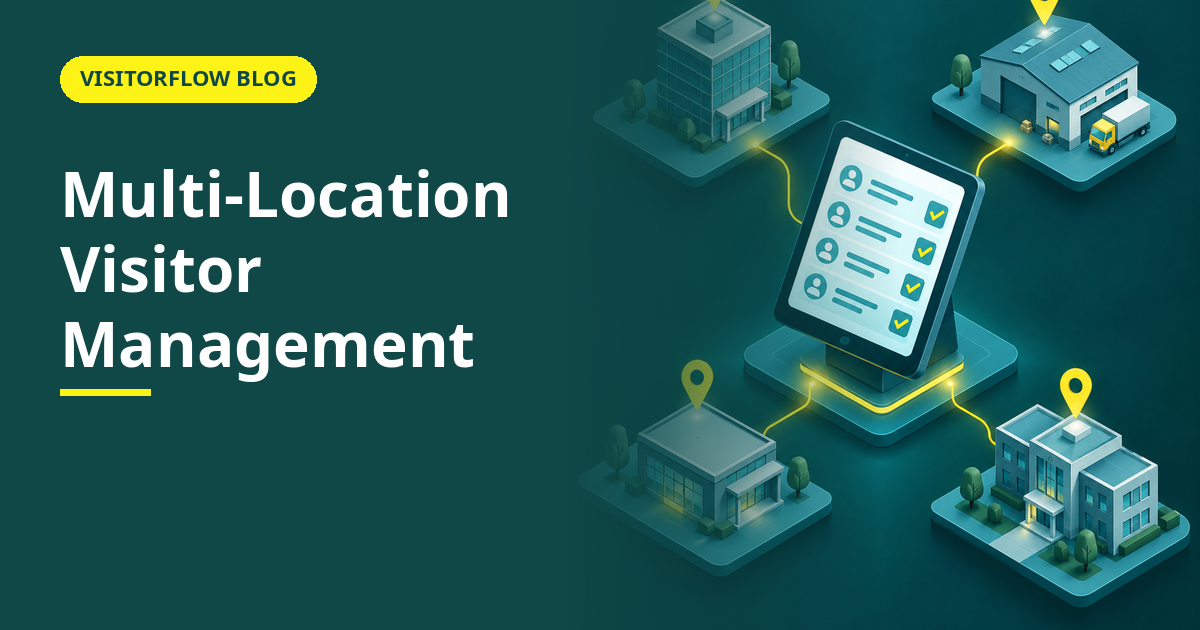
Ask the head of security at a company with five plants how many visitors are inside his sites right now. The honest answer involves five phone calls, three registers, one WhatsApp group and a guess. Ask him which supplier visited the Nashik plant in March, and the guess becomes a project. The data exists somewhere; it just exists in five different somewheres.
Multi-location visitor management is about making that question answerable from one screen: one dashboard that shows every gate at every site, with each location still running its own day. This guide covers what changes when visitor records stop being per-site, how centralised and per-site setups compare, how to roll out across locations without a big-bang project, and the reporting that head office actually uses. Our article on visitor management systems for factories covers the single-site setup this builds on.
On this page
What one dashboard actually changes
Centralising visitor records is not about surveillance from head office. It changes four practical things: a person or company blacklisted at one site is flagged at all of them; a supplier who visits three plants is one record, not three; an auditor gets one export instead of a postal survey of your own sites; and the security head can answer the 6 pm question, who is inside, without phoning anyone.
The day-to-day at each gate should not change at all. The guard still verifies, the host still approves on WhatsApp, email or SMS, and the visitor still scans a QR. What changes is where the record lands: one register per company, partitioned by site, instead of one register per gate that never meets the others.
There is also a staffing effect nobody prices in. Site-level reporting stops being someone's Friday afternoon: no register books photographed and WhatsApped to head office, no monthly consolidation spreadsheet that is stale before it is sent. The dashboard is the consolidation, and it is current to the minute, with a proper site filter for the days you only care about one plant.
Key idea: The unit of visitor management is the company, not the gate. A blacklist, a supplier history or an audit answer that stops at the site boundary is only pretending to exist.
Per-site registers vs a central system compared
| What matters across sites | Paper register per site | Desktop software per site | VisitorFlow, one account, all sites |
|---|---|---|---|
| Blacklist applies company-wide | Only if every guard memorises the circular | Only on that site's PC | Set once, enforced at every gate |
| Supplier visiting three plants | Three unrelated entries | Three databases, never merged | One visitor history across all sites |
| Answer "who is inside right now" | Phone every gate | Phone every site IT room | One screen, live, per site and total |
| New site comes online | Buy a new register book | New PC, new install, new backup routine | Add the site, print its QR, done |
| Audit across all locations | Collect and courier the books | Merge exports by hand, if backups exist | One Excel export covering every site |
Every site on one screen, every gate still local
VisitorFlow gives head office one live view of all locations while each gate keeps its own QR flow and host approvals. Adding a site takes minutes, not a project.
Explore Visitor Management SoftwareRolling out across sites in four steps
The mistake is the big-bang: five sites announced on Monday, five failures by Friday, and a project name nobody says out loud again. The pattern that works is sequential, and each site teaches the next one something about signage, guard briefing or host onboarding that no planning meeting would have caught.
Step 01
Prove it at the head office site
Run one location until the flow is boring: QR placed, hosts approving, guards verifying, exports working. Two quiet weeks here save you two loud months elsewhere.
Step 02
Standardise the fields once, centrally
Decide the registration fields, visitor categories and retention period at head office, so every site collects the same record. Local tweaks multiply; a standard form is what makes cross-site reports comparable later.
Step 03
Add sites one at a time, with a local owner
Each new site gets one named admin, its own QR and its own host list. Because VisitorFlow is cloud-based, the technical work is minutes; the real work is a thirty-minute call with that site's guards and reception.
Step 04
Switch on company-wide controls last
Blacklists, cross-site reports and head-office dashboards matter once two or more sites are live. Turning them on earlier just configures features nobody can use yet.
Mistakes multi-site companies make
- ✗ Letting each site pick its own fields and categories, then discovering head-office reports compare apples with lychees.
- ✗ Rolling out to all sites in one announcement, so the one struggling site poisons the reputation of the whole project.
- ✗ Centralising the data but not the retention policy, so every site answers the same DPDP erasure request differently.
The reports head office actually uses
Forget the analytics brochure. In practice, three reports carry the value: the live "who is inside" list per site for safety and evacuations; the monthly visitor volume by site and category, which sizes security staffing; and the per-supplier history, which turns "that vendor is always here" into a number. All three should export to Excel without calling the vendor, because the people asking for them are rarely the people logged into the dashboard.
Our article on visitor analytics and reports goes deeper into the dashboards themselves. The point here is simpler: none of these reports exist until the sites write to one register, and all of them appear the week they do.
1 in 3
companies report that a security or safety incident exposed gaps in their visitor records, according to IFSEC Global's 2024 access control industry survey. Multi-site firms feel it first, because the gap lives in the seams between sites.
A fourth report earns its place during disputes: the timestamped entry-and-exit trail for one named person across all sites. When a contractor's invoice says he spent Tuesday at your Pune plant and his supervisor swears he was in Nashik, the register that answers is the one both sites share.
Reader Q&A
What is multi-location visitor management software?
It is a visitor system where every site and gate writes to one shared register, while each location keeps its own hosts, approvals and day-to-day flow. Head office gets one live dashboard; sites get a system that still works their way.
Can each branch keep its own visitor list?
Yes, and it should. Each branch sees its own visits, hosts and approvals. Centralisation adds a head-office view and company-wide controls like blacklists on top; it does not take the local list away.
How does a blacklist work across multiple sites?
An entry is made once, centrally, and every gate sees it. A person blocked after an incident at one plant cannot simply drive to another plant and sign the register there, which is exactly how single-site blacklists get beaten.
Do all sites need the same internet quality?
The visitor's phone uses its own mobile data for the QR form, so a site with weak office internet still works. The guard dashboard needs a connection, but a phone hotspot covers that in practice.
How long does adding a new site take?
Technically minutes: create the site, load its hosts, print its QR. The human part, a call with that site's guards and reception, is the real work and fits in an afternoon. There is no server or PC to install at the new location.
Can head office set a common retention policy for all sites?
Yes, and it should, because a DPDP erasure request applies to the whole company, not one gate. Set the retention period centrally so every site enforces the same rule, and agree the period with your legal team before rollout.
Is a central system more expensive than per-site software?
Usually less, once you count the whole picture: one subscription instead of per-site licences, no PCs or servers per gate, and no staff hours spent consolidating registers. The worked example above prices just the reporting hours.
What if one site refuses to change its process?
Start without it. Sites join when the others' Monday reports arrive in seconds while theirs takes a day. Mandates create resistance; visible results create requests, and a sequential rollout keeps the door open.
Bottom line
This week, ask one question at head office: who visited any of our sites last month, by supplier. Time how long the answer takes and count the phone calls involved. That is the cost of per-site records, stated in your own hours.
This quarter, bring one site online properly, then add the rest one at a time behind a named local admin. The metric to watch is how long the who-is-inside question takes to answer; when it drops from five phone calls to one glance, the rollout has paid for itself.
One company, one register, every gate
VisitorFlow runs visitor, material gate pass, courier, maintenance and incident workflows on one cloud platform, across as many sites as you operate.
Explore Visitor Management Software See Material Gate Pass Software Book a Free Demo
Ed Jhonson is a Sourcing & Marketing Expert who writes content related to Technology and Engineering topics.
- From Register Book to Software: Digitizing the Gate Pass
- Inter-Branch Transfer Gate Pass: Keep Stock True Across Units
- Material Inward Gate Pass: Link the Gate with the GRN
- E-Way Bill vs Gate Pass: What Each Document Does
- Gate Pass System for Engineering and Fabrication Workshops
- Gate Pass Software for Pharma and Chemical Plants
- Office Facility Maintenance Checklist: Daily, Weekly, Monthly
- Breakdown Maintenance Log: Record, Analyze, Reduce
- Maintenance KPIs and Dashboards: What to Review Weekly
- AMC Management Software: Contracts, Renewals and Vendor SLAs