Office Ticketing System: One Queue for Every Internal Request
Published on 10/21/2026 • Updated on 10/23/2026
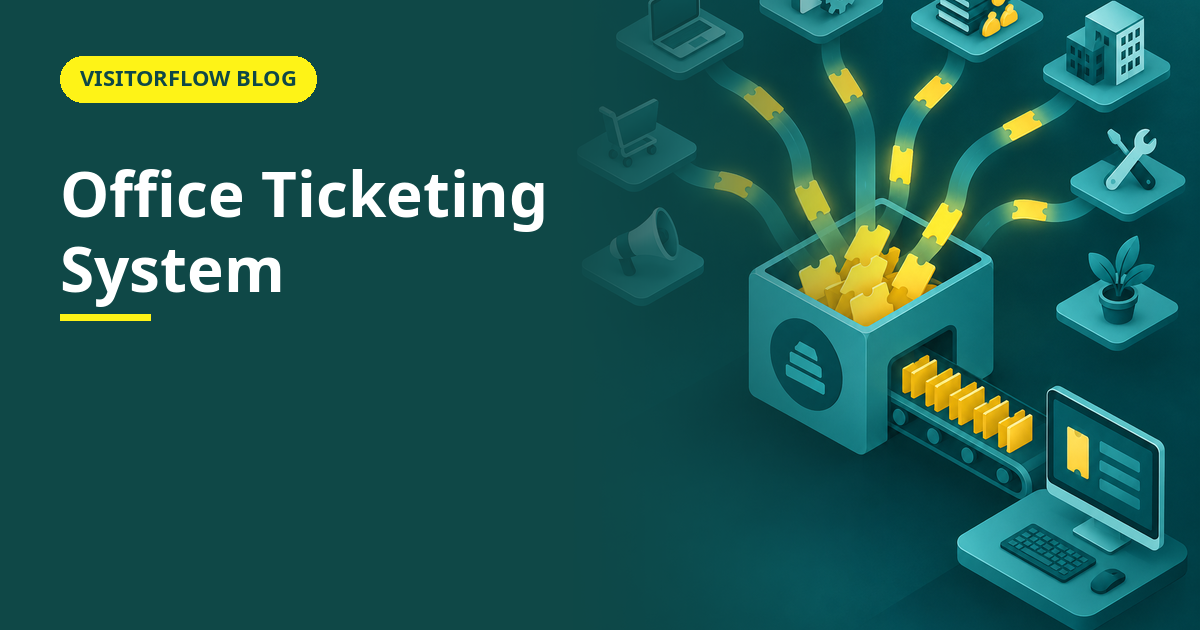
Office admin work has a particular failure mode: everything is a request, and every request arrives by interruption. The projector remote is missing, the third-floor washroom tap leaks, a new joinee needs a desk, the pantry is out of coffee, and all four arrive while you are on the phone about the fifth. By Friday you have worked all week and have nothing to show for it, because none of it was ever written down.
An office ticketing system turns those interruptions into a queue: every request becomes a ticket with a requester, a category, a priority and a status, and the admin team works the queue instead of working the interruptions. This guide covers what belongs in an office ticketing system, how it compares with the front-desk notebook and the WhatsApp group, how to roll it out without a rebellion, and how the resulting data changes staffing and budget conversations. Our helpdesk ticketing system article covers the IT-support flavour; this one is for the admin and facilities side of the office.
On this page
What belongs in an office ticketing system
The honest answer is: anything someone currently interrupts an admin for. Facility issues like AC, lighting, plumbing and housekeeping. Setup requests like desks, chairs, access cards and parking slots. Supplies and pantry requests. Event and meeting-room support. The categories differ by office, but the shape is constant: a person wants something fixed or provided, someone else has to do it, and in between sits a coordination problem that generates most of the noise and nearly all of the admin's day.
What does not belong: anything with its own workflow that already tracks state, like leave applications or expense claims. A ticketing system earns its place on work that currently has no state at all, where the only record is the admin's memory and the only status is "I will check and tell you", which nobody can verify. The day you migrate those requests into tickets, the interruptions stop being the system and become the exception.
A good office ticket is deliberately simple: who asked, what and where, a photo when it helps, a category, a priority, and a status the requester can see. The moment the form asks for more than a busy employee will type, the system loses to the corridor conversation, and the corridor conversation cannot be measured, searched, prioritised or handed over when someone is on leave.
Key idea: The office ticketing system is not a complaint box; it is the admin team's visible workload. The same tickets that fix taps also prove, in numbers, what the team actually does all week.
Notebook and WhatsApp vs ticketing compared
| What an office needs | Front-desk notebook | WhatsApp group | Office ticketing system |
|---|---|---|---|
| Nothing is forgotten | Only what the writer chose to note | Buried under replies by lunch | Open tickets stay visible until closed |
| Requester knows the status | Walks back to ask | Pings the group again | Automatic email alerts on assignment and closure |
| Work is fairly distributed | Whoever is sitting at the desk | Whoever replies first, or feels guilty | Assigned by category or round-robin |
| End-of-month account of the work | Reconstruct from memory | Scroll and count, if you have the patience | Export to Excel, done in a minute |
| Cover when the admin is on leave | The notebook, if legible | The chat history, if joined | The whole queue, with status and history |
23 minutes
is the average time to fully refocus after an interruption, in research by Gloria Mark at the University of California, Irvine. An admin handling thirty interruptions a day never gets the twenty-three minutes.
One queue for every office request
VisitorFlow's maintenance helpdesk handles office and facility tickets with photos, priorities, assignment and closure alerts, plus automatic preventive schedules for the equipment behind the requests.
Explore Maintenance Helpdesk SoftwareRolling it out in four steps
The rollout risk is not technical; it is cultural. People interrupt because interrupting works. The steps below make the ticket work better than the interruption, which is the only way the habit actually moves.
Step 01
Start with the two loudest categories
Usually facility issues and setup requests. Two categories, one form, one week. A small start that visibly works beats a taxonomy of fifteen categories that nobody learns and everyone resents.
Step 02
Answer tickets faster than interruptions for the first month
The ticket has to win on speed while habits form. If corridor requests get instant action and tickets wait a day, you have taught the office which channel works, and it is not yours.
Step 03
Convert every interruption into a ticket, visibly
When someone walks up, raise the ticket with them on the spot, in thirty seconds. They get the confirmation email, learn the channel, and next time skip the walk.
Step 04
Publish the monthly numbers to the team itself
"142 requests closed, average 1.3 days, top category: AC complaints." The admin team finally has proof of work, and the office learns its own patterns. Both sides of the queue benefit, and the habit survives the month.
Mistakes that empty the queue
- ✗ Keeping the old channels fully open, so the ticket system becomes the fourth place requests go instead of the one place.
- ✗ Launching with a form that takes five minutes to fill, which selects for only the most patient requesters and the least urgent problems.
- ✗ Closing tickets without telling the requester, so people keep walking over to ask and conclude the system tells them nothing.
How the data changes staffing conversations
Admin teams are chronically under-provable: everyone sees the un-fixed tap, nobody sees the hundred closed requests. A quarter of ticket data changes that. Volume by category shows where the hours go; closure time shows the service level actually being delivered; repeat issues by location show which floor or asset needs investment rather than another patch.
The same data defends the team upward. "We need a second facility executive" is an opinion; "we closed 480 tickets last quarter, average first response 6 hours, and AC issues on the fourth floor alone account for 90" is a budget case. Our facility maintenance checklist article covers what to do with the repeat-offender assets once the data names them.
Reader Q&A
What is an office ticketing system?
It is software where every internal request, from a leaking tap to a desk setup, becomes a tracked ticket with a category, priority, assignee and status. The admin team works one visible queue instead of a stream of interruptions.
How is it different from an IT helpdesk?
Same engine, different cargo. IT helpdesks track laptop and login issues; office ticketing covers facilities, supplies, setup and admin requests. Many companies run both as categories in one system rather than two tools.
Will employees actually use it?
Yes, if two things hold: raising a ticket takes under a minute, and tickets get answered faster than corridor requests for the first month. Adoption is a speed contest between channels, and the ticket has to win it early.
What categories should an office start with?
The two loudest, usually facility issues and setup or supplies requests. Add categories only when the queue proves they exist. A short list that everyone uses beats a long list that everyone picks "other" from.
Can vendors be assigned tickets?
Yes. The lift or pest-control vendor can receive and update tickets, which builds a timestamped service history per asset. That history is what you use at contract renewal time instead of impressions.
How do we stop duplicate tickets for the same problem?
Duplicates are a feature, not a bug: five tickets on the same AC tell you the problem is urgent and visible. Merge them, keep the requesters informed, and treat the count as a priority signal.
What reports should the office head review monthly?
Volume by category, average closure time, the top repeat issues by location, and the oldest open tickets. Four numbers, one export to Excel, and the monthly review practically writes itself and takes about ten quiet minutes.
Does ticketing work for a small office of fifty people?
Yes, and arguably better, because the same one or two admins handle everything and the queue is their only defence against interruption-driven days. Small teams feel the memory-loss problem first.
Bottom line
This week, ask your admin to tally every request that arrived by interruption, and mark which ones were still open on Friday. That tally, unfinished items and all, is the case for a queue, written in your own office's numbers.
This quarter, move the two loudest categories into tickets and publish the first monthly summary. The metric to watch is requests closed without the requester having to ask twice; when that nears all of them, the office runs on rails and the admin team finally has a number to point at.
Give the admin team a queue, not an interruption stream
VisitorFlow runs visitor, material gate pass, courier, maintenance and incident workflows on one cloud platform, so office requests and facility tickets live in the same system.
Explore Maintenance Helpdesk Software See Visitor Management Software Book a Free Demo
Ed Jhonson is a Sourcing & Marketing Expert who writes content related to Technology and Engineering topics.
- From Register Book to Software: Digitizing the Gate Pass
- Inter-Branch Transfer Gate Pass: Keep Stock True Across Units
- Material Inward Gate Pass: Link the Gate with the GRN
- E-Way Bill vs Gate Pass: What Each Document Does
- Gate Pass System for Engineering and Fabrication Workshops
- Gate Pass Software for Pharma and Chemical Plants
- Office Facility Maintenance Checklist: Daily, Weekly, Monthly
- Breakdown Maintenance Log: Record, Analyze, Reduce
- Maintenance KPIs and Dashboards: What to Review Weekly
- AMC Management Software: Contracts, Renewals and Vendor SLAs