Visitor Identity Verification: OTP, ID, Photo and Watchlists
Published on 10/21/2026 • Updated on 10/23/2026
A SaaS company in Hyderabad discovers, during an incident review, that a man who walked its floor for an hour as a "printer technician" was nobody's technician. The register has his entry: a name, a phone number that rings unanswered, and a signature. The receptionist did nothing unusual; she followed the process exactly. The process simply never asked the only question that mattered: is this person who they say they are, and does anyone inside expect them? The review's conclusion is uncomfortable and useful: the register recorded the visitor perfectly and verified nothing at all.
Recording and verifying are different jobs. A register records whatever a person writes; verification checks it against something independent. This guide walks through the verification ladder for visitor identity: OTP confirmation, ID capture, photo logs, host confirmation and watchlists, when each rung is worth its friction, and how to combine them without turning reception into an interrogation. It builds on our analysis of the paper visitor register as a security vulnerability and our security guard entry checklist.
On this page
Recording is not verifying
The paper register's quiet assumption is that writing something down makes it true. Every field is self-reported: the name is what the visitor says, the phone number is what they write, the "whom to meet" is unconfirmed until the host happens to be called. A determined intruder does not need to defeat this system; they only need to write neatly. And the honest visitor's data is not protected either, since every later visitor can read it.
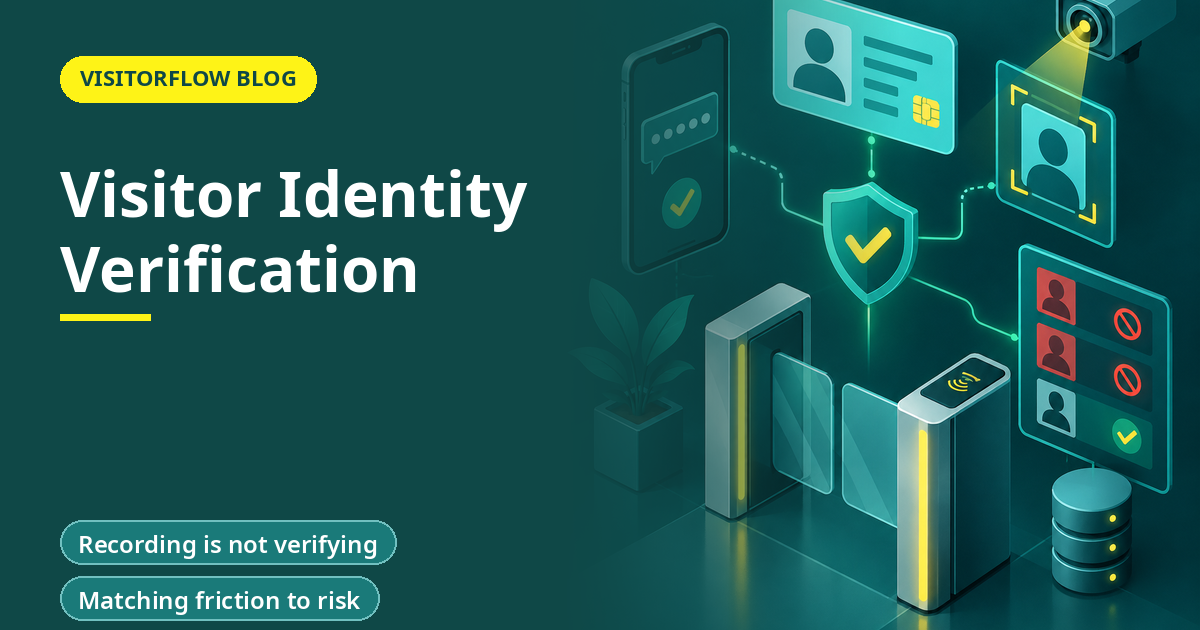
Verification adds an independent check to at least one field: something the visitor holds (a phone that receives an OTP), something they show (a government ID, captured), something they look like (a photo matched at future visits), or someone who vouches (the host confirming from inside). No single check is perfect; each one raises the cost of lying from "write neatly" to "arrange evidence", and that cost shift is what deters the ordinary opportunist, who is the actual threat model at most gates.
Key idea: You do not verify visitors to catch spies; you verify them so that lying requires preparation, which filters out everyone who was relying on it being free.
The verification ladder, rung by rung
Rung 01
Host confirmation: someone inside expects this person
The cheapest and most powerful check. Pre-registration means the host has already named the visitor; the gate verifies the visit against the invitation, not the visitor's story. For walk-ins, a host-approval ping (reception sends, host approves or declines on their phone) achieves the same in a minute. Most opportunistic entry dies here, because now a lie needs an accomplice inside.
Rung 02
OTP verification: the phone number is real and theirs
A code sent to the claimed number and entered at check-in proves the visitor holds that phone. It does not prove identity, but it kills the disposable-number problem, enables the arrival and evacuation messages your safety flow needs, and gives investigations a reachable contact. Cost: fifteen seconds.
Rung 03
Photo log: the face belongs to the visit
A photo at check-in binds the record to a face. It deters badge passing (the badge carries the face), supports investigation ("show me who entered at 2 PM"), and makes repeat-visitor recognition possible. It proves presence and appearance, not legal identity, which is why it pairs with rather than replaces ID capture.
Rung 04
ID capture: the document matches the person
Capturing a government ID (photo and number, or a scan) ties the visit to a legal identity. This is the rung for regulated zones, high-value premises and anywhere a court-grade answer to "who was this" might be needed. It carries real privacy obligations (store it like the sensitive data it is, purge it on schedule), so deploy it by zone and category, not everywhere by default.
Rung 05
Watchlist screening: this person specifically should not enter
The final rung checks identity against your own lists: terminated employees, banned vendors, restraining-order subjects, known repeat offenders from sister sites. It only works on top of verified identity, because screening a self-written name screens nothing. Our guide to visitor screening and watchlists covers list governance, which is where the legal care is needed.
Matching friction to risk
The design question is not "how much verification can we buy" but "how much does each category need". A practical ladder by category: hosted office visitors get host confirmation plus OTP; interview candidates get the same (they are hosted strangers); contractors and vendors add photo and, for recurring ones, ID capture at enrolment; high-security zones (data centers, cash handling, R&D labs) run the full stack including watchlist screening; and deliveries get vehicle-plus-driver capture at the gate rather than person-level verification at reception.
Two rules keep the friction honest. First, apply verification by category and zone, not by guard's mood; a system that lets the gate decide per person will drift to the easiest path within a month, and drift is how the printer technician happens. Second, make the verified path the fast path: pre-registered visitors with a QR should check in faster than the register ever allowed, so nobody lobbies to skip verification to clear a queue.
What each method proves and misses
| Method | Proves | Does not prove | Friction |
|---|---|---|---|
| Host confirmation | Someone accountable expects them | Who they are | None with pre-registration; one ping for walk-ins |
| OTP | They hold that phone number | Their legal name | About fifteen seconds |
| Photo log | The face that entered | That the face has that name | A few seconds |
| ID capture | A document supports the name | The document is genuine (without forensic checks) | Half a minute, plus privacy duty |
| Watchlist | They are not on your exclusion list | Anything about unknown threats | None extra; runs on captured data |
Verify in seconds, not interrogations
VisitorFlow runs host approvals, OTP, photo logs, ID capture and watchlists as one check-in flow, tuned by category and zone.
Explore Visitor ManagementRolling it out without a revolt
Verification fails politically before it fails technically. Employees resent hosts who must approve them "like outsiders", and visitors resent a desk that feels like an embassy. Two moves defuse both. First, announce the why through a recent incident or near-miss, anonymised but real: verification imposed after a scare is accepted, verification imposed as bureaucracy is resisted. Second, launch the frictionless version first: pre-registration with QR entry for a month, so the organisation's first experience of the new system is speed, and the verification runs underneath where nobody feels it. Then layer walk-in approvals, then ID capture for the categories that need it.
Give reception the authority and the script. The guard who must tell a senior vendor "your host has not approved you yet, let me ping them" needs to know the policy backs him, and needs words that make it routine rather than accusatory. The script writes itself once the system does the asking: it is the platform that pings the host, the platform that asks for the OTP, and the guard merely facilitates. That transfer of awkwardness from person to process is most of what you are buying.
Reader Q&A
Will OTP check-in annoy our regular visitors?
Do it once per person. Enrolment verifies the number; future visits recognise the phone and skip the code. Regulars get the fastest lane, which is the correct incentive, and first-timers get fifteen seconds of verification instead of a blank book.
Is capturing ID legal under DPDP?
Yes with consent, purpose limitation and care: capture it for the stated security purpose, store it access-controlled, and purge on schedule. The compliance failure is not capturing ID; it is capturing it with no purpose, no protection and no deletion, which describes the photocopy tray at most gates.
What if a visitor refuses a photo?
Decide by policy, not by negotiation at the desk: sensitive zones can require it as a condition of entry (stated in the invite), general areas can offer host-escorted alternatives. The worst outcome is the unwritten exception, which teaches everyone that refusal works.
Does verification slow the morning rush?
Done right it is faster than the register. Pre-registered visitors scan a QR and walk; the verification happened before arrival. The queue forms when verification is designed as a desk procedure instead of a pre-arrival flow.
How do we verify vendor technicians claiming a breakdown visit?
The host-confirmation rung is built for exactly this: no work order or host approval, no entry. The "printer technician" in the opening story fails at this rung in every building that runs it, which is why it is rung one.
Can face recognition replace ID capture?
It replaces re-checking, not first proof. A face match is excellent for recognising an enrolled person on return; it cannot establish who they were at enrolment. Use it as a fast lane on top of verified enrolment, and read our face recognition guide for where it earns its cost.
Bottom line
This week, test your own gate: note three entries and check whether any field was verified against anything independent. If every field is self-reported, your register is a storybook, and the incident review that proves it has simply not happened yet.
This quarter, put host confirmation and OTP on the default flow, add photo and ID capture to the categories that need them, and make the verified path the fast path. The metric to watch is the share of entries with at least one independent verification; from zero to ninety percent is typically a month, and the gate's whole character changes with it.
Stop recording lies beautifully
VisitorFlow verifies visitors with host approvals, OTP, photos, ID capture and watchlists, in a check-in flow faster than the register it replaces.
Explore Visitor Management See Material Gate Pass Software Book a Free Demo
Ed Jhonson is a Sourcing & Marketing Expert who writes content related to Technology and Engineering topics.
- From Register Book to Software: Digitizing the Gate Pass
- Inter-Branch Transfer Gate Pass: Keep Stock True Across Units
- Material Inward Gate Pass: Link the Gate with the GRN
- E-Way Bill vs Gate Pass: What Each Document Does
- Gate Pass System for Engineering and Fabrication Workshops
- Gate Pass Software for Pharma and Chemical Plants
- Office Facility Maintenance Checklist: Daily, Weekly, Monthly
- Breakdown Maintenance Log: Record, Analyze, Reduce
- Maintenance KPIs and Dashboards: What to Review Weekly
- AMC Management Software: Contracts, Renewals and Vendor SLAs