Visitor Pre-Registration: How to Make Arrivals Take Seconds
Published on 10/21/2026 • Updated on 10/22/2026
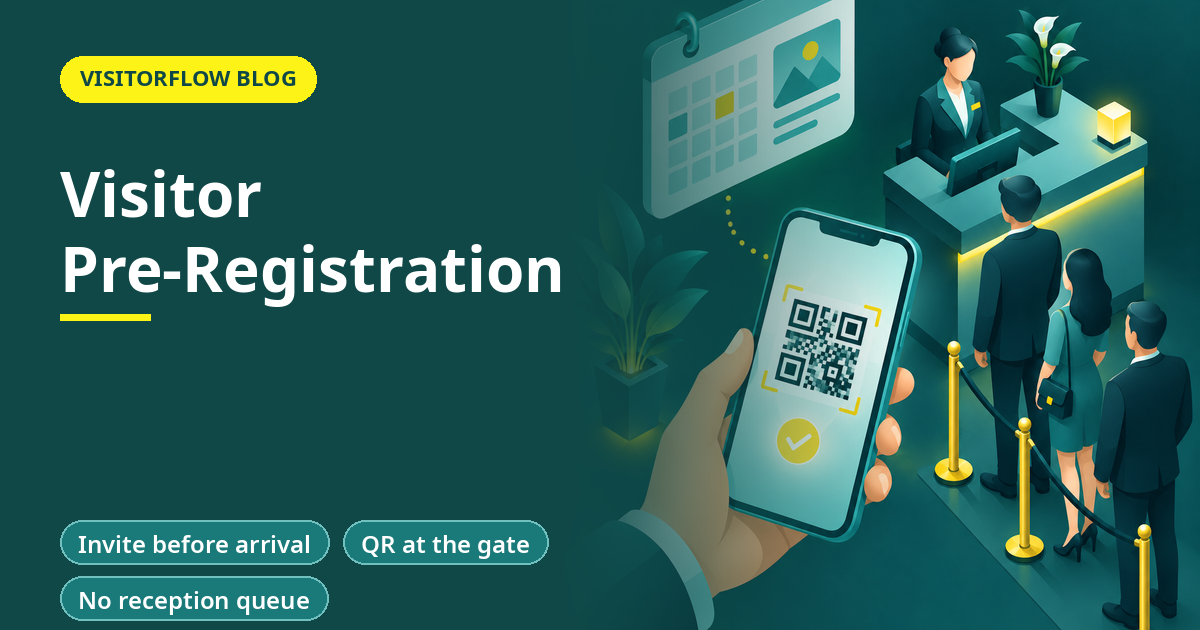
Nine o'clock at a corporate park in Gurugram: fourteen people are waiting at reception. Six are interview candidates, four are vendors, two are auditors, one is a client's director, and one is a delivery rider who is definitely in the wrong queue. Every one of them is filling the same form at the same desk. The client's director has a 9:15 meeting and her host is already calling reception to ask where she is.
Every person in that queue except the delivery rider was expected. That is the point of visitor pre-registration: if you already know someone is coming, the paperwork should be finished before they reach the gate. This guide explains how pre-registration works, what it changes at the gate, how to roll it out without annoying your guests, and the mistakes that make visitors ignore the invite. Our overview of the visitor management process shows where this step sits in the wider flow.
On this page
What visitor pre-registration actually is
Pre-registration means the visit is created before the visitor arrives. The host raises the visit in advance with the guest's name, company, purpose and expected time, and the guest gets an invite with a link to confirm their details from their own phone. When they walk in, the guard is not registering a stranger; they are confirming a booking.
That single shift, from register-on-arrival to confirm-on-arrival, moves every slow part of check-in off the doorstep:
- The form is filled at the guest's convenience, not in a queue.
- The host's approval is already recorded, because the host created the visit.
- Security knows who is expected today and can spot anyone who is not.
- The visitor's details are typed once, by the person who knows them best.
Key idea: Pre-registration does not make check-in faster. It makes check-in disappear; what remains is a ten-second confirmation at the gate.
Walk-in vs pre-registered: what changes at the gate
The two flows differ most where it hurts: queue time, data quality and the guest's first impression of your company.
| What matters | Paper register walk-in | QR check-in on arrival | Pre-registered with VisitorFlow |
|---|---|---|---|
| Time at the desk | 5 to 10 min | 1 to 2 min | Seconds, confirmation only |
| Host approval | Chased by phone while guest waits | Requested on arrival by WhatsApp, email or SMS | Already given when the host created the visit |
| Spelling and phone number accuracy | Guard's reading of handwriting | Typed by the visitor in a hurry | Confirmed by the guest from the invite |
| Security knows today's expected list | No | Partially, as arrivals happen | Yes, before the day starts |
Send the invite, skip the queue
VisitorFlow lets hosts pre-register guests and notifies them on WhatsApp, email or SMS, so expected visitors walk straight through confirmation instead of waiting at the desk.
Explore Visitor Management SoftwareRolling out pre-registration in four steps
Pre-registration fails when it is announced as a rule. It works when hosts see it as the easiest way to get their own guest inside quickly.
Step 01
Start with one visitor type
Interview candidates or scheduled vendors are ideal: they are always expected, and the host benefits directly from a smoother arrival. Win one group before inviting the rest.
Step 02
Put the invite where the meeting is made
Hosts book visits where they already work, which is the calendar invite or a WhatsApp message. Our article on visitor management with WhatsApp notifications shows why that channel gets read; the pre-registration link should travel the same way.
Step 03
Show security the expected list
Each morning, the guard dashboard should list everyone expected that day. That list is what turns a gatekeeper from a form-filler into someone who can actually tell a guest from a walk-in.
Step 04
Keep walk-ins working
Pre-registration covers expected visits, not all visits. Keep QR check-in at the gate for genuine walk-ins, so the unplanned guest is slow but never stuck. Review the split after a month: if walk-ins still outnumber pre-registered arrivals, the invites are not reaching guests early enough, or hosts are creating visits at the door instead of the day before.
Getting guests to actually use the invite
The invite only works if guests complete it. Three things decide that: the form must work in a phone browser with no app install, it must ask only for what the visit needs, and the invite must say what the guest gains, which is walking straight in. "You are expected; confirm your visit in 30 seconds" outperforms "Please complete our visitor registration procedure" every time.
For guests who ignore the invite, the fallback is automatic: they scan the gate QR and register on arrival like any walk-in. Nobody is locked out; the fast lane is simply closed to them. Under India's DPDP Act 2023, collecting details through the guest's own confirmation also gives you a cleaner record of what was shared and why, which is harder to show when a guard copies a driving licence into a book. The invite trail also shows what the guest themselves provided, not what a busy guard thought they heard.
Where pre-registration earns its keep
The return is not evenly spread. Some visitor types gain almost nothing from pre-registration, while for others it changes the whole experience. Aim the rollout at the second group first.
Highest value: interviews and client visits
Candidates judge your company at reception, and clients remember waiting. Both are always expected, so every one of them can arrive pre-approved with zero downside.
High value: vendors, auditors and contractors
Scheduled work visits carry documents and context the gate should not have to capture. Pre-registration attaches purpose and host before the vehicle pulls in.
Leave as walk-in: deliveries and unplanned visits
Nobody invites a courier or a first-time sales caller. Keep the gate QR flow for these and do not force an invite step that will only be bypassed.
A useful rule of thumb: if a human in your company knew about the visit yesterday, that visit belongs in pre-registration. Everything else stays on the walk-in lane, and both lanes feed the same searchable register.
Reader Q&A
What is visitor pre-registration?
It is creating the visit before the guest arrives. The host enters the visit in advance, the guest confirms their details through a link on their phone, and check-in becomes a quick confirmation instead of full data entry at the desk.
How do I pre-register a visitor online?
In a system like VisitorFlow the host creates the visit with the guest's name, company, purpose and time, and the guest receives an invite on WhatsApp, email or SMS to confirm. The whole task takes the host under a minute per guest.
Does the guest need to install an app to confirm a pre-registration?
No. The invite opens a form in the phone's browser. Nothing is installed and no account is created, which is essential when your guests are customers, auditors or senior candidates who will not download an app for one visit.
What happens if a pre-registered guest does not show up?
The expected visit simply expires. It never becomes an entry in the register, and it does not count as a visit in your reports, so your records stay clean without anyone cancelling anything by hand.
Can security see who is expected before the day starts?
Yes, and they should. The guard dashboard lists the day's expected visitors with times and hosts, so anyone not on that list gets the right level of attention. It is the difference between guarding a gate and processing a queue.
Is pre-registration the same as an appointment system?
They overlap but are not identical. An appointment system fixes when people meet; pre-registration fixes what happens when they arrive. You can run pre-registration on top of any meeting booking, including ordinary calendar invites.
How far in advance should a visit be pre-registered?
The day before is the healthy norm: early enough for the guest to confirm at leisure and for security to see the expected list in the morning. Same-hour creation still works, but the guest is then confirming from the car, which loses most of the benefit.
Does pre-registration work for groups and delegations?
Yes. A host can create one visit covering a delegation and collect each member's details through the shared invite. That is how you get a ten-person vendor team through the gate without a ten-person queue.
Bottom line
This week, count how many of yesterday's visitors were expected. In most offices and factories the answer is more than eight in ten, which means most of your queue is optional.
This quarter, switch one visitor type to pre-registration and measure desk minutes before and after, as in the worked example. The metric to watch is the share of expected visitors who arrive pre-confirmed; once it crosses two-thirds, the morning queue stops being a daily event and becomes an exception.
Let expected guests skip the desk
VisitorFlow runs visitor, material gate pass, courier, maintenance and incident workflows on one cloud platform, with no hardware at the gate.
Explore Visitor Management Software See Material Gate Pass Software Book a Free Demo
Aadeshwar Modi is a marketing technical content writer who loves writing on technology and AI topics.
- From Register Book to Software: Digitizing the Gate Pass
- Inter-Branch Transfer Gate Pass: Keep Stock True Across Units
- Material Inward Gate Pass: Link the Gate with the GRN
- E-Way Bill vs Gate Pass: What Each Document Does
- Gate Pass System for Engineering and Fabrication Workshops
- Gate Pass Software for Pharma and Chemical Plants
- Office Facility Maintenance Checklist: Daily, Weekly, Monthly
- Breakdown Maintenance Log: Record, Analyze, Reduce
- Maintenance KPIs and Dashboards: What to Review Weekly
- AMC Management Software: Contracts, Renewals and Vendor SLAs