Visitor Registration Software: A Complete Guide for Indian Workplaces
Published on 10/21/2026 • Updated on 10/22/2026
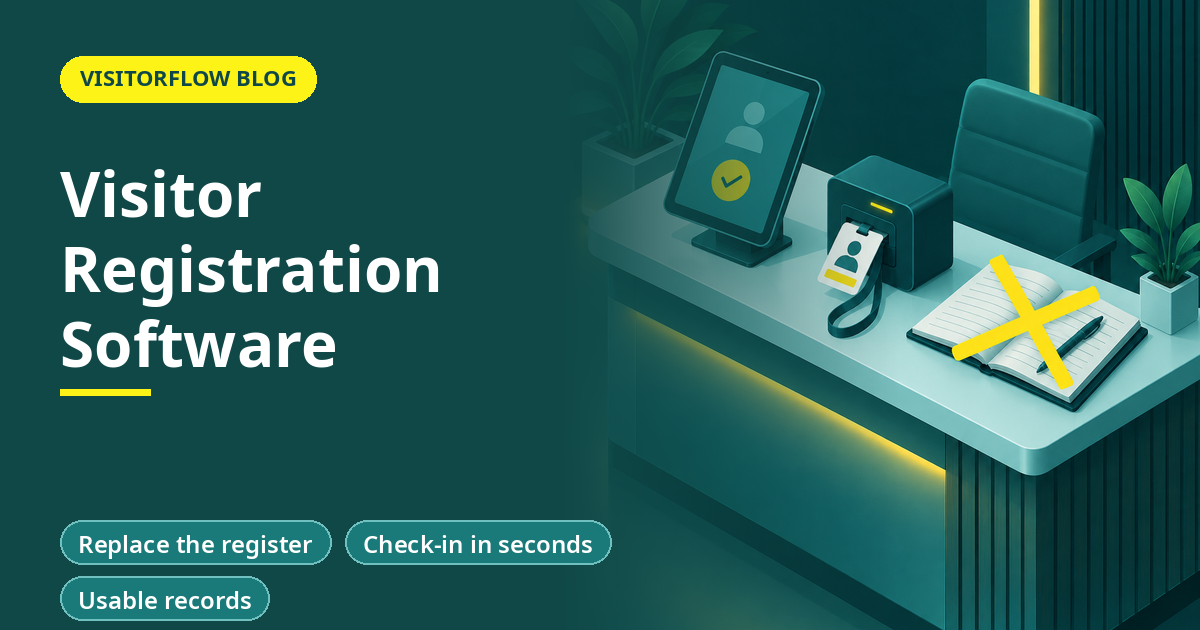
A supplier arrives at your reception at 11:40 for a 12:00 meeting. The guard hands her a register, she writes her name over three earlier entries she can read plainly, the guard phones the host's extension twice, and at 11:55 someone walks her up. Nobody records when she leaves. That is registration happening without registration software: the data exists for a few hours and is unusable after that.
This guide explains what visitor registration software does inside an office or factory, how the three ways of registering visitors compare, what a visit looks like when the software runs it, and how to size the time it saves. If you are new to the topic, our explainer on what a visitor management system is covers the basics; this article goes one level deeper into the registration step itself.
On this page
What visitor registration software actually does
Visitor registration software is the system that captures who is coming, who they are meeting and why, before or at the moment they arrive, and keeps that record searchable afterwards. It replaces the register book, the phone call to the host and the end-of-day guess about who is still inside.
In practice it handles five jobs. Our article on the visitor management process walks through the wider flow; the registration step covers these five:
- Capture: a digital form collects name, company, host, purpose, photo and any ID detail you actually need.
- Notify: the host is told instantly, by email, WhatsApp or SMS, that their visitor has registered.
- Approve: the host accepts or rejects the visit from their phone, and the guard sees the decision live.
- Record: check-in and check-out are time-stamped, so the register writes itself.
- Retrieve: any past visit can be found in seconds and exported to Excel for an audit or an investigation.
Key idea: Registration is not a form, it is a record. If you cannot produce last month's visitor list in five minutes, you have a book, not a register.
Paper, desktop and cloud registration compared
Most facilities use one of three approaches. The differences that matter are speed at the gate, who can see the data, and how fast a record can be produced afterwards.
| What matters | Paper register | Desktop software | VisitorFlow (cloud) |
|---|---|---|---|
| Time to register one visitor | 5 to 10 min, handwriting dependent | 2 to 3 min, guard types it | Visitor fills a QR form on their own phone |
| Host learns about the arrival | Guard phones around | Email from the gate PC | Instant email, WhatsApp or SMS with approve and reject |
| Who can read earlier entries | Every visitor who signs the page | Anyone at the gate PC | Only authorised roles, masked on screen |
| Produce one visit from last quarter | Page through books, if kept | Search on that one PC, if backed up | Search from any browser, export to Excel |
| Works across multiple gates and sites | One book per gate, never combined | One PC per gate, rarely combined | Every gate writes to the same register |
See visitor registration working on your own gate
VisitorFlow registers visitors on their own phones, notifies hosts on WhatsApp, email or SMS, and keeps every visit searchable. No gate hardware needed.
Explore Visitor Management SoftwareA registered visit, step by step
Take the same 11:40 supplier visit when registration software runs it. The whole sequence takes under a minute of anyone's time except the visitor's own two minutes on her phone.
Step 01
The visitor scans the gate QR code
A printed QR at reception or the gate opens a registration form in the visitor's own phone browser. She enters her name, company, host, purpose and a photo. Nothing to install, no paperwork at the desk.
Step 02
The host approves from their phone
The host gets the arrival on email, WhatsApp or SMS with the visitor's details and photo, and taps approve or reject. The guard's dashboard updates at the same moment, so nobody phones anyone.
Step 03
Check-out closes the record
When the meeting ends, the host taps to end it and the guard sees the visitor leave. The record now holds check-in, approval and check-out times, and sits in a register you can search or export months later.
Sizing the time saving
The saving comes from two places: the visitor fills the form instead of the guard, and the host is reached on the first attempt. Use your own volumes in place of the assumed figures below.
⚠️ Compliance note: Under India's DPDP Act 2023, visitor personal data must be collected for a stated purpose, protected, and erased when no longer needed. A paper register fails the protection test because each visitor can read earlier entries. Fix the retention period with your legal team before you digitise, and configure the software to enforce it. Our DPDP checklist for factories covers the full set of questions.
Choosing registration software: what to check
Any serious option will register a visitor. The difference shows up in week three, when a contractor forgets to check out, an auditor asks for March's records, and a director wants to know who is in the building right now. Evaluate against that week, not the demo. Ask each vendor to show those three moments live: a missed check-out, an old-record export, and a who-is-inside list.
What good looks like
- ✓ Visitors register on their own phones through a QR code, with no app to install and no shared tablet to sanitise and queue for.
- ✓ Hosts are notified on a channel they actually read, which in most Indian facilities means WhatsApp alongside email.
- ✓ Records export to Excel without calling the vendor, so audits and police or insurance requests are a search, not a project.
- ✓ Personal details are masked on screens and printouts, and every view of full details is logged.
Mistakes that undo the benefit
- ✗ Keeping the paper register running as a permanent backup, so there are two versions of the truth and neither is complete.
- ✗ Buying hardware-first systems that need kiosks and scanners at every gate before a single visitor can register.
- ✗ Letting every guard share one login, which makes the audit trail useless when an entry is disputed.
Reader Q&A
What is visitor registration software?
It is software that captures a visitor's details through a digital form, notifies and gets approval from the host, and keeps the visit as a searchable, time-stamped record. It replaces the register book and the phone calls around it.
Do visitors need to download an app to register?
No. With a QR-based system the visitor scans a printed code and fills a form in their phone's browser. There is nothing to install and no account to create, which is why it works for first-time visitors and contractors alike.
Can visitors register before they arrive?
Yes. Pre-registration lets a host send the form ahead of the visit, so the guest arrives already approved and check-in becomes a confirmation rather than data entry. Our article on visitor pre-registration covers that flow in detail.
What details should a registration form ask for?
Only what has a stated purpose: name, company, host, purpose of visit, a photo and a contact number for the arrival notification. Fields without a purpose, such as a full home address at a factory gate, should be dropped under data-minimisation principles.
How is visitor registration software different from access control?
Registration records and approves visits; access control physically opens doors for cardholders. They solve different problems and many sites run both. Our comparison of visitor management vs access control explains where each fits.
Does visitor registration software work without internet at the gate?
The visitor's phone uses its own mobile data to open the QR form, so the gate PC or guard phone is not the single point of failure. If your facility has dead zones, place the QR where signal exists and confirm coverage during the pilot.
How much does visitor registration software cost in India?
Cloud systems are usually priced as a subscription per site rather than as hardware plus licences, which is why the no-hardware approach costs less to start. For current plans, check the pricing page or book a demo with your gate count ready.
Bottom line
This week, time ten registrations at your busiest gate and count how many involve a phone call to reach the host. Those two numbers tell you what manual registration costs and they slot straight into the worked example above.
This quarter, move that one gate to QR registration and run the book and the software side by side for two weeks. The metric to watch is the share of arrivals where the host approved before the visitor reached the desk; once that stays above 90 percent, the register book is ready to retire.
Register your next visitor in under a minute
VisitorFlow runs visitor, material gate pass, courier, maintenance and incident workflows on one cloud platform, with no hardware at the gate.
Explore Visitor Management Software See Material Gate Pass Software Book a Free Demo
Aadeshwar Modi is a marketing technical content writer who loves writing on technology and AI topics.
- From Register Book to Software: Digitizing the Gate Pass
- Inter-Branch Transfer Gate Pass: Keep Stock True Across Units
- Material Inward Gate Pass: Link the Gate with the GRN
- E-Way Bill vs Gate Pass: What Each Document Does
- Gate Pass System for Engineering and Fabrication Workshops
- Gate Pass Software for Pharma and Chemical Plants
- Office Facility Maintenance Checklist: Daily, Weekly, Monthly
- Breakdown Maintenance Log: Record, Analyze, Reduce
- Maintenance KPIs and Dashboards: What to Review Weekly
- AMC Management Software: Contracts, Renewals and Vendor SLAs