Work Order Management Software: Authorised Work, Proven Closure
Published on 10/21/2026 • Updated on 10/22/2026
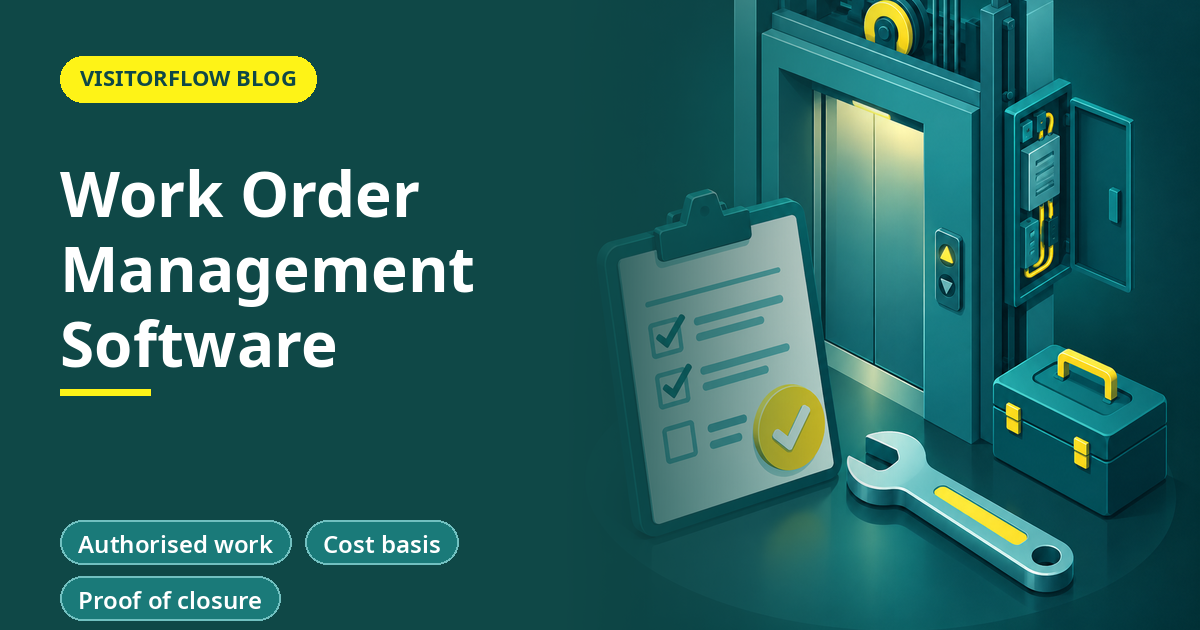
The facilities head discovers the lift AMC vendor billed for four visits last quarter. She remembers two. The vendor remembers four. The sign-off sheets exist somewhere, possibly in the lift room, possibly in a file, possibly in the technician's bag. The invoice gets paid because fighting it costs more than the invoice, and everyone privately suspects this is not the first time.
A work order is the document that was missing from that story: a formal, trackable instruction that says what work is authorised, for whom, at what cost basis, and what proof closes it. Work order management software makes that document a living record instead of a printed form. This guide covers what a work order really is and how it differs from a ticket, how paper work orders compare with digital ones, how to set the lifecycle up so vendors and technicians both live inside it, and the controls that stop the four-visits problem at the source.
On this page
Ticket vs work order: the difference that matters
A ticket says "something is wrong"; a work order says "this work is authorised, and here is its scope". The ticket comes from anyone who spots the problem, costs nothing to raise, and carries the symptoms. The work order comes from someone with authority, carries scope, assignee, schedule and cost basis, and closes with evidence. Confusing the two is how organisations end up with either bureaucracy on a dripping tap or no paperwork on a five-lakh repair.
In practice they chain. A breakdown ticket triaged as beyond the in-house team becomes a work order to a vendor. A preventive schedule generates its own recurring work orders. Small internal fixes may never need a work order at all. The rule of thumb: if money leaves the building or a vendor enters it, a work order should exist; our maintenance ticketing system article covers the front end of that chain in detail.
The reason the distinction pays is accountability. A ticket can be answered with effort; a work order can only be closed with evidence: what was done, what parts were used, who verified it, and what it cost against what was quoted. That closure discipline is what turns the lift-AMC argument from memory against memory into record against record.
Key idea: A work order is a small contract for one job: scope, authorisation, cost basis, evidence. Software does not change what it is; it makes the contract impossible to lose.
Paper work orders vs digital compared
| Stage of the lifecycle | Printed work order form | Digital work order |
|---|---|---|
| Raising and approval | Walk the form to the signing authority, wait | Approval by email alert, timestamped, from anywhere |
| Vendor or technician receives it | Phone call, photocopy, "I will bring the copy tomorrow" | Assigned in the system with scope and schedule attached |
| Proof of work done | A signature on a sheet that goes missing | Photos, notes and closure confirmation attached to the record |
| Invoice matching | Hope the file is complete; pay to avoid the fight | Match the invoice to closed, evidenced work orders line by line |
| Year-end vendor review | Impressions and anecdotes | Response times, closure quality and cost per vendor, exported |
3% to 5%
of contract spend is the leakage range procurement studies commonly attribute to poor invoice-to-work matching, in analyses by The Hackett Group and others. On a facilities budget, that is usually more than the software costs.
Work orders that close with evidence, not signatures
VisitorFlow carries a job from breakdown ticket to assigned work order to verified closure, with photos, root cause and timestamps that survive every invoice dispute.
Explore Maintenance Helpdesk SoftwareSetting up the lifecycle in four steps
The lifecycle is simple on purpose: raised, approved, assigned, in progress, closed, verified. What makes it work is deciding, once, who can move a job between those states, and refusing to let work happen outside the record, including the urgent jobs that most want to skip it.
Step 01
Define the threshold that needs a work order
A common line: any external vendor visit, any job above a cost limit, any work on safety-critical equipment. Below the line, a ticket is enough. Write the line down, or every supervisor will draw their own.
Step 02
Name the approver and the verifier as different people
The person who authorises the spend should not be the only person confirming the work. Separating the two is the single cheapest fraud control in the whole system.
Step 03
Bring vendors inside the record
Vendors receive the work order in the system and close it with photos and notes. The moment a vendor works "from a phone call" you have a hole in the record and a hole in your invoice defence.
Step 04
Match every invoice to closed work orders monthly
One hour, once a month: every facilities invoice line traced to a closed, evidenced work order. The first month of honest matching usually pays for the entire year by itself.
Mistakes that hollow out work orders
- ✗ Raising the work order after the work is done, which converts an authorisation into a receipt and removes the approval step that was the point.
- ✗ Accepting "work completed" as closure, with no photos, no verifier and no cost note, so the record cannot answer the invoice later.
- ✗ Letting urgent work bypass the order entirely and promising to regularise it later; later never comes, and the urgent category quietly swallows the budget.
The controls that pay for the system
Three controls return the investment. Invoice matching, already covered, is the direct one. Vendor scorecards are the strategic one: a year of timestamps tells you which vendor responds in hours and which in days, and renewal negotiations change tone when both sides can see the same numbers. The third is warranty capture: when the failed part is recorded against the asset and its purchase date, warranty claims stop expiring silently in the gap between the store room and the accounts department.
None of these controls require extra effort once the lifecycle runs; they are readings off the same record. That is the quiet economics of work order software: the discipline is the cost, the evidence is free, and the disputes it settles were previously settled by paying without proof.
Reader Q&A
What is work order management software?
It is software that runs the lifecycle of authorised maintenance work: raising, approving, assigning to staff or vendors, tracking progress, and closing with evidence and cost. Every job leaves a timestamped record that invoices and audits can be matched against.
What is the difference between a ticket and a work order?
A ticket reports a problem; anyone can raise one. A work order authorises the fix, with scope, cost basis and an approver. Tickets feed work orders when the job needs a vendor, a budget or formal sign-off.
When does a small business need work orders?
The first time an invoice cannot be verified from records, or the first time two people remember a vendor visit differently. For most facilities that moment arrives in the first year; the threshold is trust failure, not company size.
Can vendors use the system without training?
Their part is deliberately small: receive the assignment, update status, attach photos of the finished work. If a vendor can use WhatsApp, they can close a work order, and most are already fluent.
How do work orders help with GST and accounting?
Every invoice can be matched to an approved, closed work order with dates and scope, which is exactly the trail an accounts team or tax auditor wants when a facilities expense is questioned.
What stops staff from closing work orders without doing the work?
Two things: closure requires evidence (photos, notes, root cause), and a separate verifier confirms the job. Splitting authorisation and verification is the control; the software just makes it cheap to enforce.
Can preventive maintenance generate its own work orders?
Yes. Recurring schedules raise their own jobs on due dates with the checklist attached, which is how PM stops depending on anyone's memory. Our preventive maintenance article covers the scheduling side.
How do work orders connect to gate passes for vendor material?
When a vendor's job involves bringing in parts or taking scrap out, the material gate pass carries the authorisation to the gate, linked to the same record. Our digital gate pass system article covers that flow.
Bottom line
This week, take last quarter's largest facilities invoice and try to verify every line against records. Whatever fraction you cannot verify is the number to say out loud at the next budget meeting.
This quarter, run one vendor category, lifts or pest control are the usual starters, through a full digital work order lifecycle. The metric to watch is invoice lines matched to evidenced closures; at 100%, the four-visits problem simply cannot happen to you again.
Every job authorised, every invoice verifiable
VisitorFlow runs visitor, material gate pass, courier, maintenance and incident workflows on one cloud platform, so the work order, the vendor's gate pass and the breakdown ticket all live in one record.
Explore Maintenance Helpdesk Software See Material Gate Pass Software Book a Free Demo
Aadeshwar Modi is a marketing technical content writer who loves writing on technology and AI topics.
- From Register Book to Software: Digitizing the Gate Pass
- Inter-Branch Transfer Gate Pass: Keep Stock True Across Units
- Material Inward Gate Pass: Link the Gate with the GRN
- E-Way Bill vs Gate Pass: What Each Document Does
- Gate Pass System for Engineering and Fabrication Workshops
- Gate Pass Software for Pharma and Chemical Plants
- Office Facility Maintenance Checklist: Daily, Weekly, Monthly
- Breakdown Maintenance Log: Record, Analyze, Reduce
- Maintenance KPIs and Dashboards: What to Review Weekly
- AMC Management Software: Contracts, Renewals and Vendor SLAs